
Tailwind Weekly #202: Big community support, accessibility musts, and modern CSS goodies 🚀
Hello folks!
Last week felt like a big moment for Tailwind; it was encouraging to see a lot of visible support from the community and the companies building on top of it.
I hope this trend continues and more companies decide to support the Tailwind Labs team!
🌟 News
Last week, Adam shared some very candid thoughts about the future of Tailwind. The challenges, concerns, hard decisions and just an honest look at where things are heading.
The community really listened, and more importantly, it showed support. Shortly after, a bunch of companies stepped up as supporters of Tailwind and the ecosystem around it:
Always great to see companies backing the tools they depend on. This kind of support makes a real difference ❤️
🤩 Windy Picks

Stop wrestling with markup and focus on what matters—your business logic. We transform your designs into pixel-perfect Tailwind CSS code.
Led by seasoned developers Vivian and Daniela, we specialize in converting your PSD, Figma, Adobe XD, and Sketch files into good, responsive, and maintainable Tailwind CSS markup.
Complete our quick 3-minute form and receive a tailored quote within 24 hours.
📚 Learning
5 accessibility checks to run on every component
Hidde De Vries breaks down five practical accessibility checks you should run on every UI component, from keyboard navigation and focus states to screen reader roles and zoom behavior. It’s a solid, component-level checklist that fits nicely into design system workflows and helps catch issues early, before they ship.
How To Create an Adaptive SVG Favicon Using the prefers-color-scheme Media Query
Zoran from CSS Weekly shows how to build an adaptive SVG favicon that automatically switches between light and dark mode, using prefers-color-scheme directly inside the SVG. It walks through exporting layers from Affinity Designer, optimizing the SVG, wiring up CSS in the file, and even shows a simpler single-layer approach that just swaps colors.
Use Cases for Field Sizing
Ahmad Shadeed explores the new field-sizing CSS property and where it actually shines in real layouts, like conversational forms, pagination controls, URL fields, and hero filters. It’s a practical, layout-first look at how inputs and selects can size themselves to their content without JavaScript, plus why this works well as progressive enhancement.
💅 Showcase
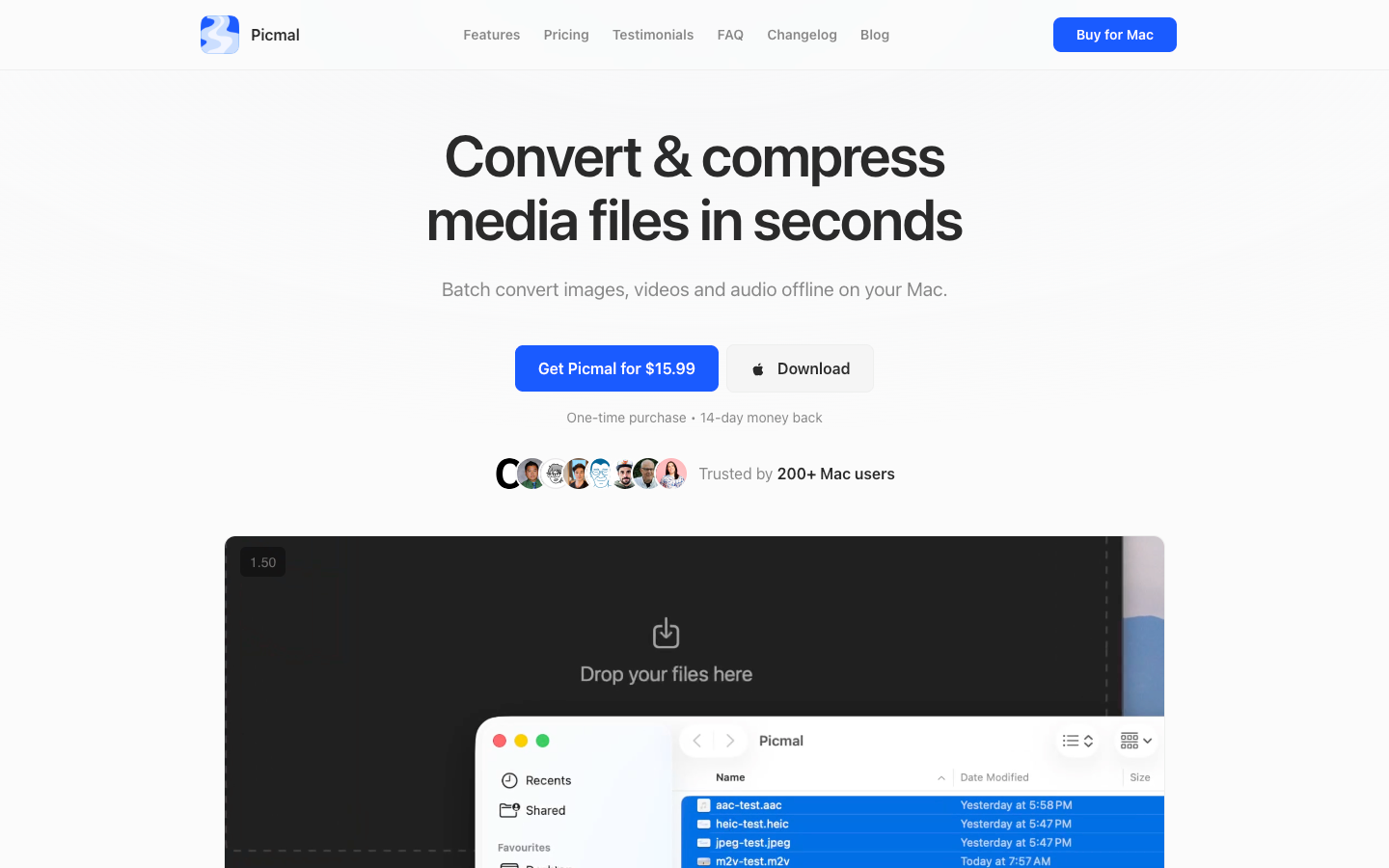
Picmal
Picmal is a native macOS utility built for developers who need fast, repeatable media optimization in their workflow, batch convert and compress images, video, and audio (PSD→PNG, AI→SVG, MOV→MP4, and more) in seconds. Because everything runs offline and locally, your assets never leave your Mac, making it ideal for privacy-conscious projects and on-the-go production work.
🎁 Resource
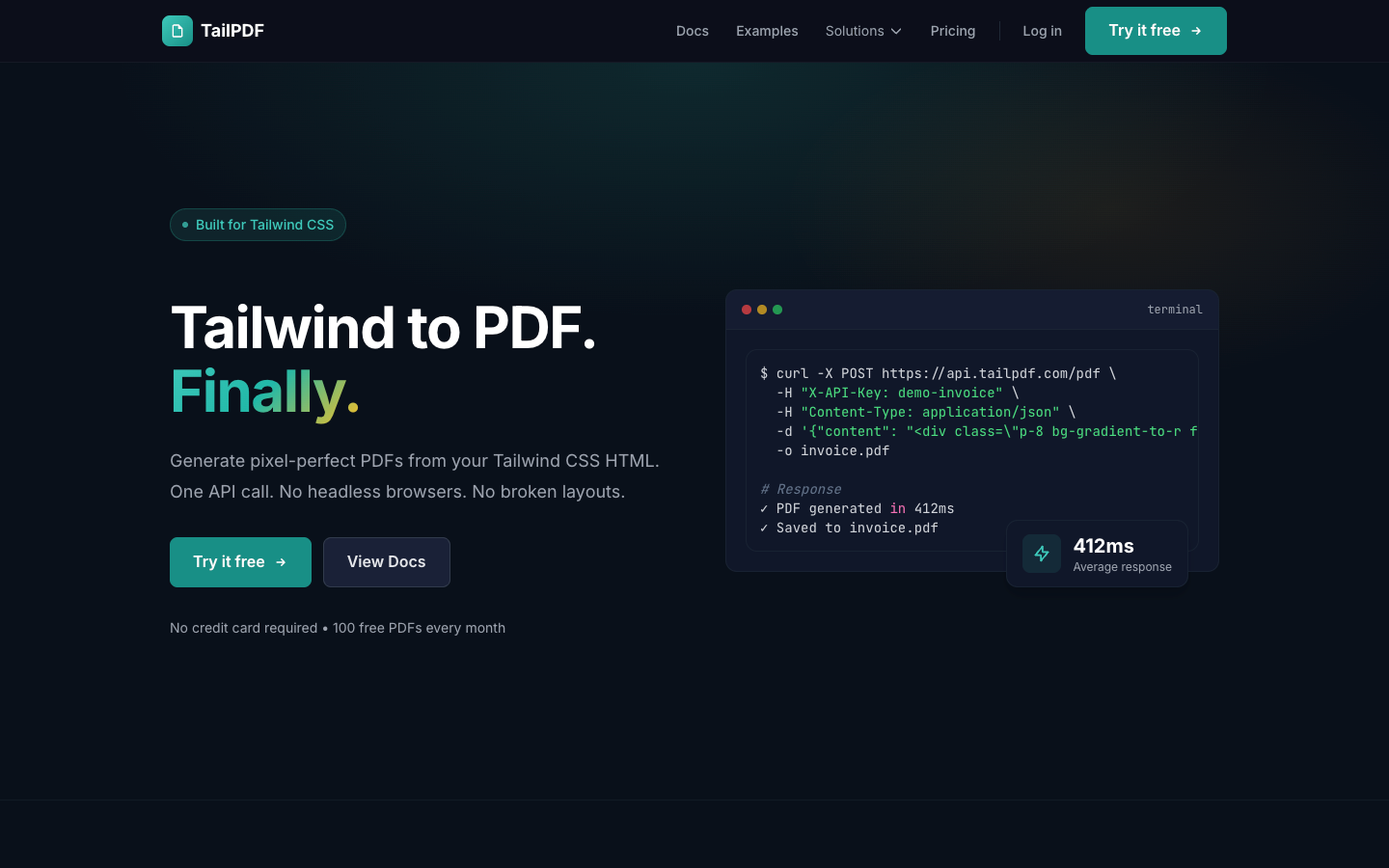
TailPDF
TailPDF is simple: you send your Tailwind HTML and get back a pixel-perfect PDF via a simple API call, no Puppeteer/headless browser setup and no ancient CSS support limits like wkhtmltopdf/DomPDF. It’s clearly aimed at SaaS stuff like invoices, reports, and branded statements, and I like that they’ve thought about the boring production details too (security protections, rate limiting, multi-tenant isolation), plus there’s a free tier with 100 PDFs/month so you can see if it actually matches what you designed before committing.
👌 Cool Stuff
Tail Lens - A browser tool to tweak classes and preview the results instantly in-browser, then copy the final classes straight into your code for a guaranteed productivity boost.
Jottings – Anti-social publishing on your domain: chronological posts, Markdown, tags, RSS/JSON feeds, and fast static sites.
Clop – A macOS app to auto-optimise images, videos, and PDFs from clipboard or drag/drop, keeping quality high and files small.
console.text() – Add one line to your Node app to send SMS alerts in seconds, with zero config and built-in rate limiting.
PS: I have some availability in the coming months, and I’m open to new freelance projects, so if you need help from a Laravel, Vue, or React expert with 12+ years of experience working with agencies and startups, just reply to this email and let’s chat 🙂.
Do you want to share something with the Tailwind CSS community?
You can submit a link or message me on Twitter @vivgui.
Want to support the newsletter? You can buy me a coffee with this link 😁.

Discussion