
Tailwind Weekly #204: Tailwind Labs Is Cooking, All About SVGs, Sticky Layouts, and Scroll Animations 🔥
Hello folks!
It was a quiet week on the surface, but the Tailwind Labs team is clearly cooking behind the scenes. Community support keeps growing, with Railway and Webflow joining as official sponsors, and there’s a lot of exciting energy building around what’s coming next.
🌟 News
Adam teased that the team is actively working on fixing one of the biggest gaps in AI tooling right now: UI design. Instead of just complaining that “AI sucks at design,” they’re building something to make that leap easier, and the hints so far (including a spicy four-letter domain 👀) are already getting people excited.
A few weeks ago we decided to stop just being disappointed that AI sucks at UI design and try and do something about it.
— Adam Wathan (@adamwathan) January 30, 2026
Pieces are coming together and really excited about what we’re building to make it easier for everyone else to make the leap too 🤘 https://t.co/8sfpjdzF16
🤩 Windy Picks
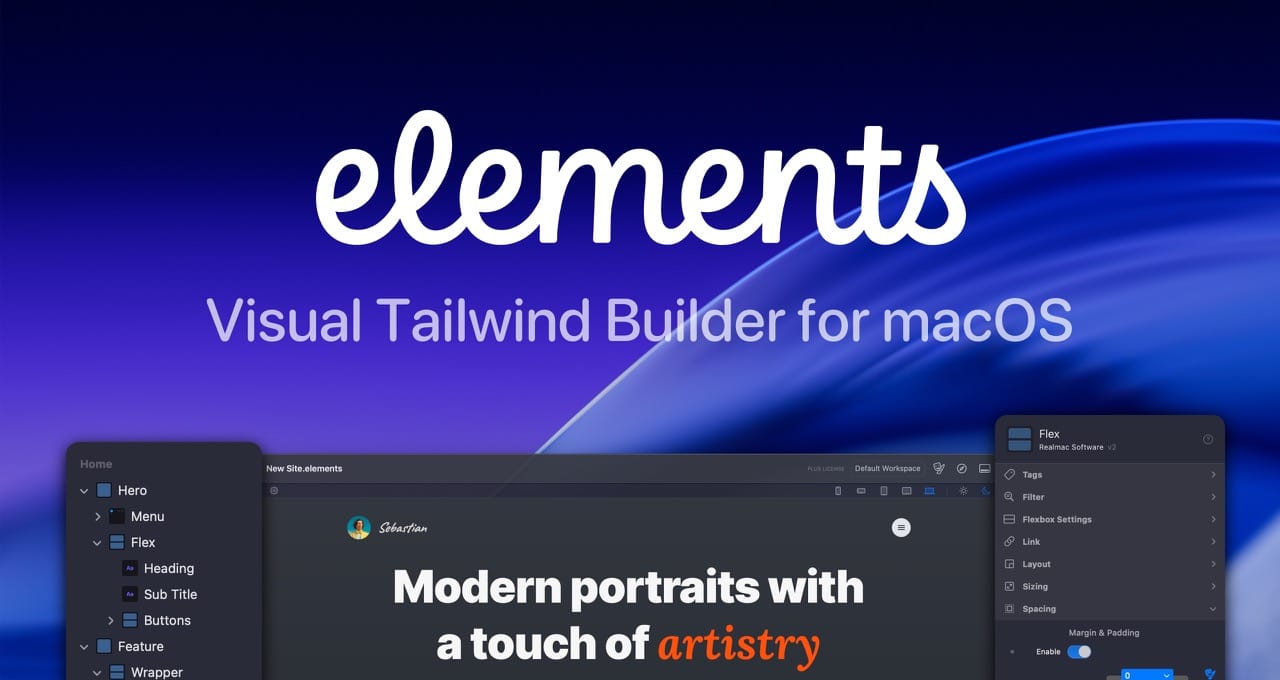
Build modern Tailwind websites visually, without fighting code.
Elements combines a visual workflow with full Tailwind control and clean, readable markup in a native macOS app. No abstractions, no bloated HTML, no vendor lock-in.
📚 Learning
An Interactive Guide to SVG Paths
A great little primer on SVGs, especially if you’ve been using them without really understanding what’s going on under the hood. It walks you through what an SVG actually is (and why it’s different from a normal image), the key pieces you’ll keep seeing like the viewBox, paths, and coordinate system, and how those details affect scaling and crispness across sizes. The best part is it helps you build intuition so you’re not just copy-pasting icons, you’ll know what to tweak when an SVG looks “off” or doesn’t behave the way you expect.
The Weird Parts of position: sticky;
If you’ve ever used position: sticky and thought “this should be simple, why is it not sticking?!” this article is just for you. It starts with the basic mental model (what the sticky element is actually sticking to), then walks through the two most common ways sticky fails in real layouts: your sticky element being taller than the scroll container, and the more maddening one where an ancestor’s sizing/bounding box prevents the sticky element from “breaking out”. The best part is it doesn’t just throw random fixes at you; it explains the why (even lightly referencing the spec), then shows the practical Tailwind-friendly fixes like using self-start, so you can debug sticky issues quickly and easily.
A guide to Scroll-driven Animations with just CSS
Saron walks you through scroll-driven animations in plain CSS by breaking the concept into three familiar pieces (the target, the keyframes, and the timeline) and then introduces the missing puzzle piece: animation-timeline, with both scroll() (animation progress follows the page scroll) and view() (animation runs as an element enters the viewport). What I like is that it doesn’t stop at “look, it moves”, it also covers the practical gotchas (like property order) and the UX/accessibility side with prefers-reduced-motion, plus a quick intro to animation-range so your elements can settle into place instead of moving the entire time they’re visible.
💅 Showcase
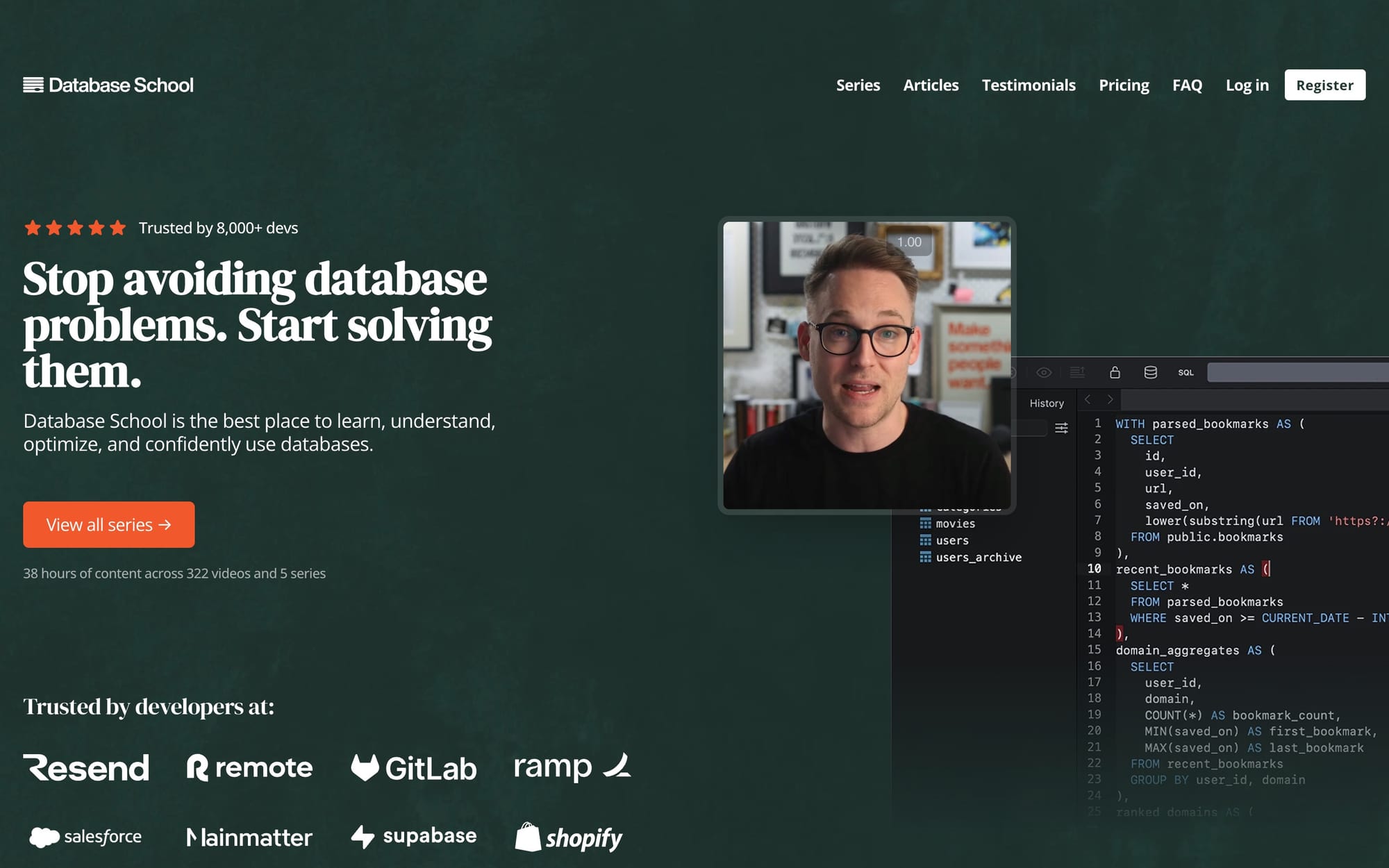
Database School
Database School is a focused learning hub for web developers who want to level up their database skills with practical, implementation-minded guidance you can apply directly to real apps. It’s built to help you understand core database concepts, write better queries, and make smarter design and performance decisions.
🎁 Resource
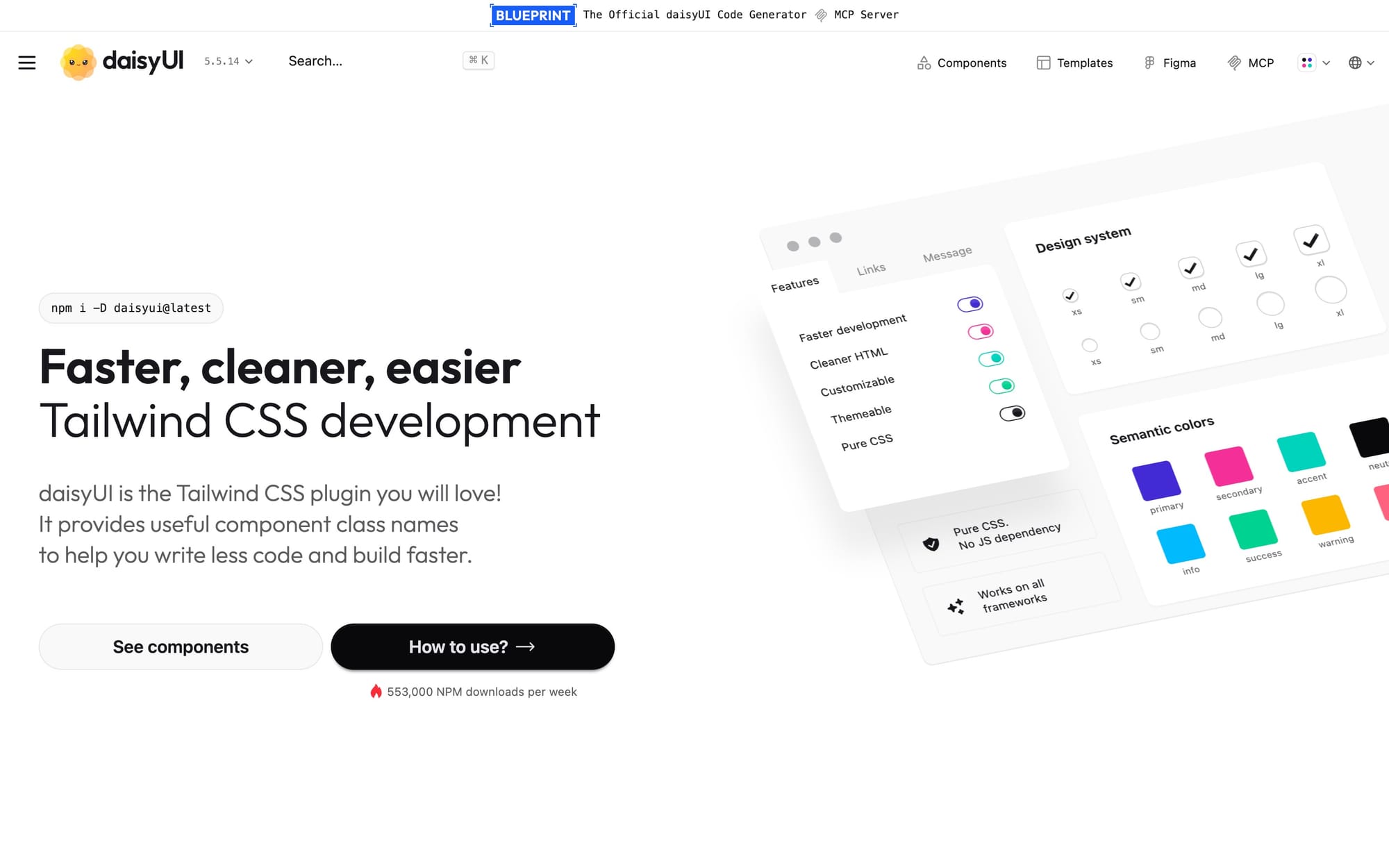
daisyUI
daisyUI is a Tailwind CSS plugin that gives you semantic component class names like btn, card, and toggle, a la bootstrap-style. The nice part is it’s still “real Tailwind” under the hood, so you can customize everything with utilities, plus it’s pure CSS (no JS bundle) and framework-agnostic.
👌 Cool Stuff
Tail Lens - A browser tool to tweak classes and preview the results instantly in-browser, then copy the final classes straight into your code for a guaranteed productivity boost.
Outline SDK – A cross-platform library and tools to build VPNs and apps resilient to blocking and network-level interference.
GitusAI – AI-powered VS Code extension to generate clear commit messages from staged changes, with Conventional Commits support.
Archive Buttons – Paste an article URL and try multiple services to find a paywall-free version fast.
Do you want to share something with the Tailwind CSS community?
You can submit a link or message me on Twitter @vivgui.
Want to support the newsletter? You can buy me a coffee with this link 😁.

Discussion