
Tailwind Weekly #205: CSS One-Liners, Smoother Animations & Rolling the Dice 🎲
Hello folks!
It’s been a quieter week in the news front, but the The Tailwind Labs team is hard at work on the new ui.sh product, and it definitely feels like something exciting is brewing behind the scenes.
In the meantime, we’ve got a packed issue for you. Some cool CSS and animation tips with a touch of randomness!
Also, Happy Valentine’s Day ❤️. Whether you’re shipping features or just refactoring old components, I hope you get to build something you love this weekend.
🤩 Windy Picks
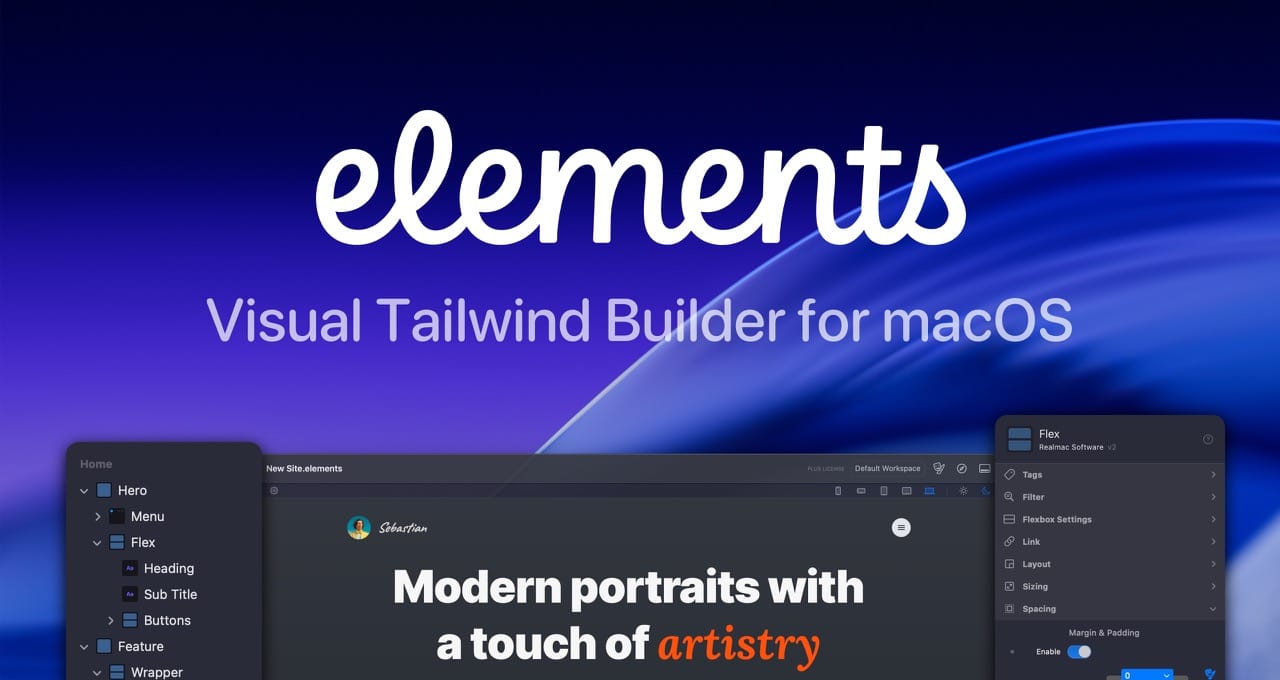
Build modern Tailwind websites visually, without fighting code.
Elements combines a visual workflow with full Tailwind control and clean, readable markup in a native macOS app. No abstractions, no bloated HTML, no vendor lock-in.
📚 Learning
CSS properties that solve annoying problems
This one’s a rapid-fire tour of five super practical CSS one-liners you’ll actually use: inset as a clean shorthand for top/right/bottom/left positioning, isolation: isolate to fix negative z-index stacking chaos without hacks, min-inline-size: fit-content as a safer alternative to white-space: nowrap for flexible buttons and labels, aspect-ratio paired with object-fit: cover to control media sizing and cropping without padding tricks, and finally text-wrap: balance for cleaner headings plus text-wrap: pretty to prevent lonely orphan words in paragraphs.
7 Practical Animation Tips
Emil covers small but high-impact things like adding a subtle scale() on button press to make the UI feel responsive, avoiding scale(0) because it makes elements look like they pop out of nowhere, picking the right easing (and why ease-out usually beats ease-in for UI), making popovers feel more natural with transform-origin, keeping durations snappy (generally under ~300ms), and even using a touch of filter: blur() when an animation still feels off. If your animations currently feel "almost right" but not quite, this will give you a concrete checklist of what to adjust and why it works.
Rolling the Dice with CSS random()
The author starts with the basics: random(min, max, step) and why the optional step matters, then quickly jumps into fun but practical demos like a star field with random positions and sizes, random colors using modern color spaces, and even a “wheel of fortune” style interaction driven by random() inside animations. The best part (and the part that can be a little mind-bending) is the explanation of shared randomness: how to reuse the same random value across multiple properties with a named ident, or share a value across elements with element-shared, plus why custom properties don’t “store” the result the way you might expect.
💅 Showcase
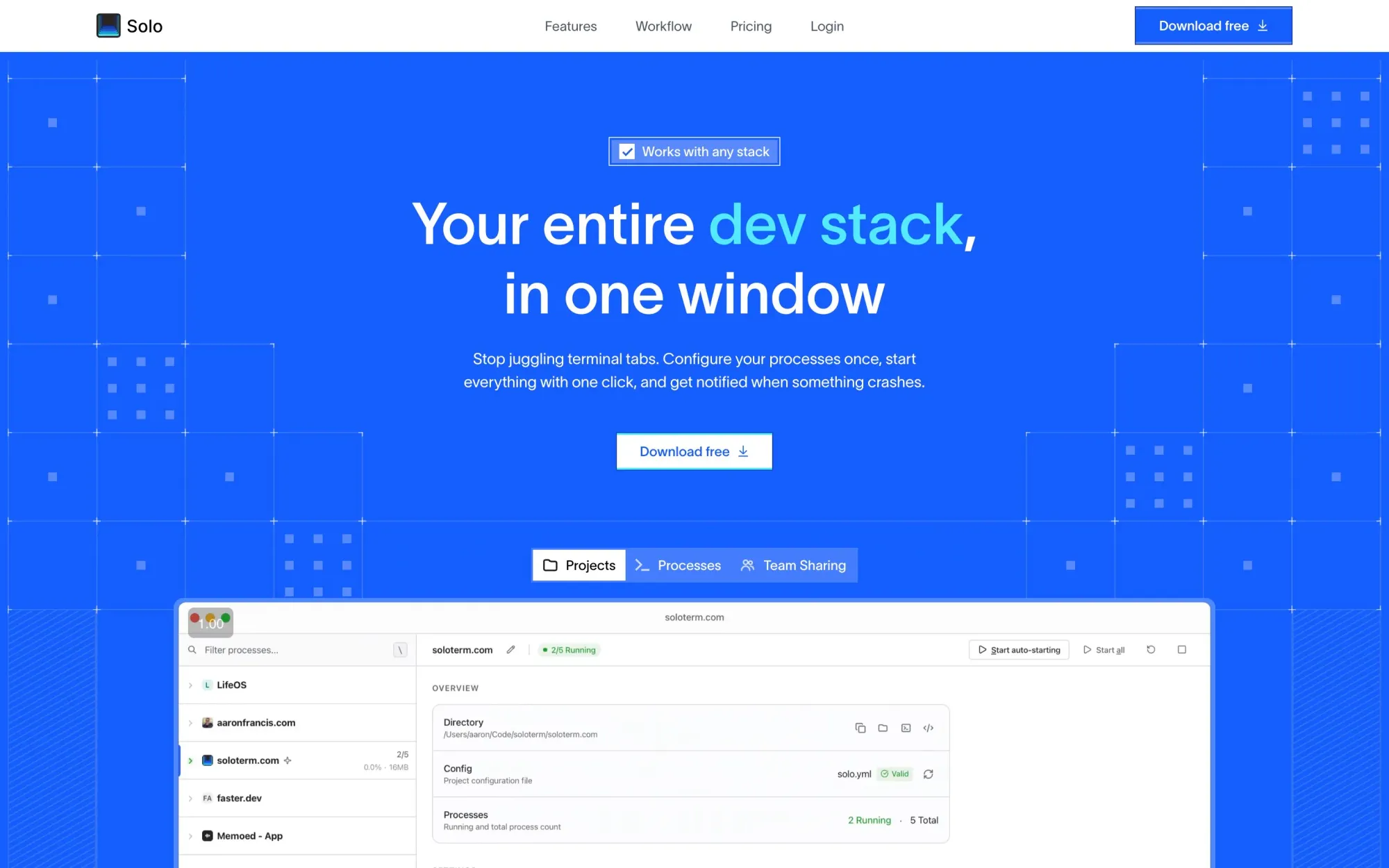
Solo
Solo is a lightweight desktop process manager for local development that lets web developers configure a project once, start their entire stack with one click, and see every service’s status at a glance. It auto-detects (or lets you define) your dev commands, auto-restarts crashed processes, surfaces logs and native notifications, and can be shared via a committed solo.yml so teammates run the same setup without outdated READMEs. Built with Tauri (not Electron) and compatible with any stack, Solo also integrates with tools like Claude via MCP and Raycast to manage your processes without context-switching.
🎁 Resource
React Email
React Email lets you build emails using React and Tailwind, which means you can style email templates with the same utility classes you already use every day. Instead of fighting inline styles and weird table markup, you wrap your template in their Tailwind component and keep your usual workflow, spacing scale, and mental model.
👌 Cool Stuff
Tail Lens - A browser tool to tweak classes and preview the results instantly in-browser, then copy the final classes straight into your code for a guaranteed productivity boost.
Writizzy – A minimalist blogging platform with built-in newsletter, comments, themes, and privacy-friendly analytics.
You're not a front-end developer until you've... – A tongue-in-cheek web dev “been there” quiz of career milestones, from DNS tears and caching to prod mishaps.
BucketMate – A native macOS S3 GUI with fast drag-and-drop and one dashboard for S3, R2, B2, Spaces, MinIO, and more.
Do you want to share something with the Tailwind CSS community?
You can submit a link or message me on Twitter @vivgui.
Want to support the newsletter? You can buy me a coffee with this link 😁.

Discussion