
Tailwind Weekly #211: Animate Smarter, Fluid Type Done Right, and a Dashboard Design Masterclass 🎨
Hello folks!
I hope you guys had a great Easter! As is tradition, I took last week off and had a great time at church. He is risen 🙌!
In the meantime, the ui.sh Discord server has exploded with messages now that the Tailwind team is sending more and more invites and everybody is raving about how incredible the output is. I truly believe this will be a game-changer for UI design for devs.
Now, onto the issue 👇🏻
🌟 News
Steve Schoger is back with another great video, this time walking through how he designs a dashboard using Claude Code and Wispr Flow. If you caught his first video, you know the drill: he takes an AI-generated dashboard and transforms it into something that actually looks professionally designed. The video is full of practical design tips you can apply right away, and it's a great look at how voice-driven workflows (via Wispr Flow) can speed up the design-to-code process.
While I know the team is focusing heavily on their ui.sh tool, I really appreciate this content-driven marketing approach they're taking. Yes, they promote it at the end, but the entire video is a masterclass in UI design and would be a paid product in a previous era.
And speaking of uidotsh, Adam showed a quick demo recently:
Quick https://t.co/AIW2moVHHW demo — generating multiple design ideas to choose from, no matter what tech stack you use: pic.twitter.com/Wd0HwBfVVW
— Adam Wathan (@adamwathan) April 8, 2026
... so I feel a mainstream release is coming soon. In the meantime, the beta users (including me!) are hammering the MCP server 😂
Hang in there https://t.co/d4HHe02NhL server! 📈
— Jonathan Reinink (@reinink) April 9, 2026
(It's hosted on Laravel Forge, and holding up well!) pic.twitter.com/CqVXiky051
🤩 Windy Picks
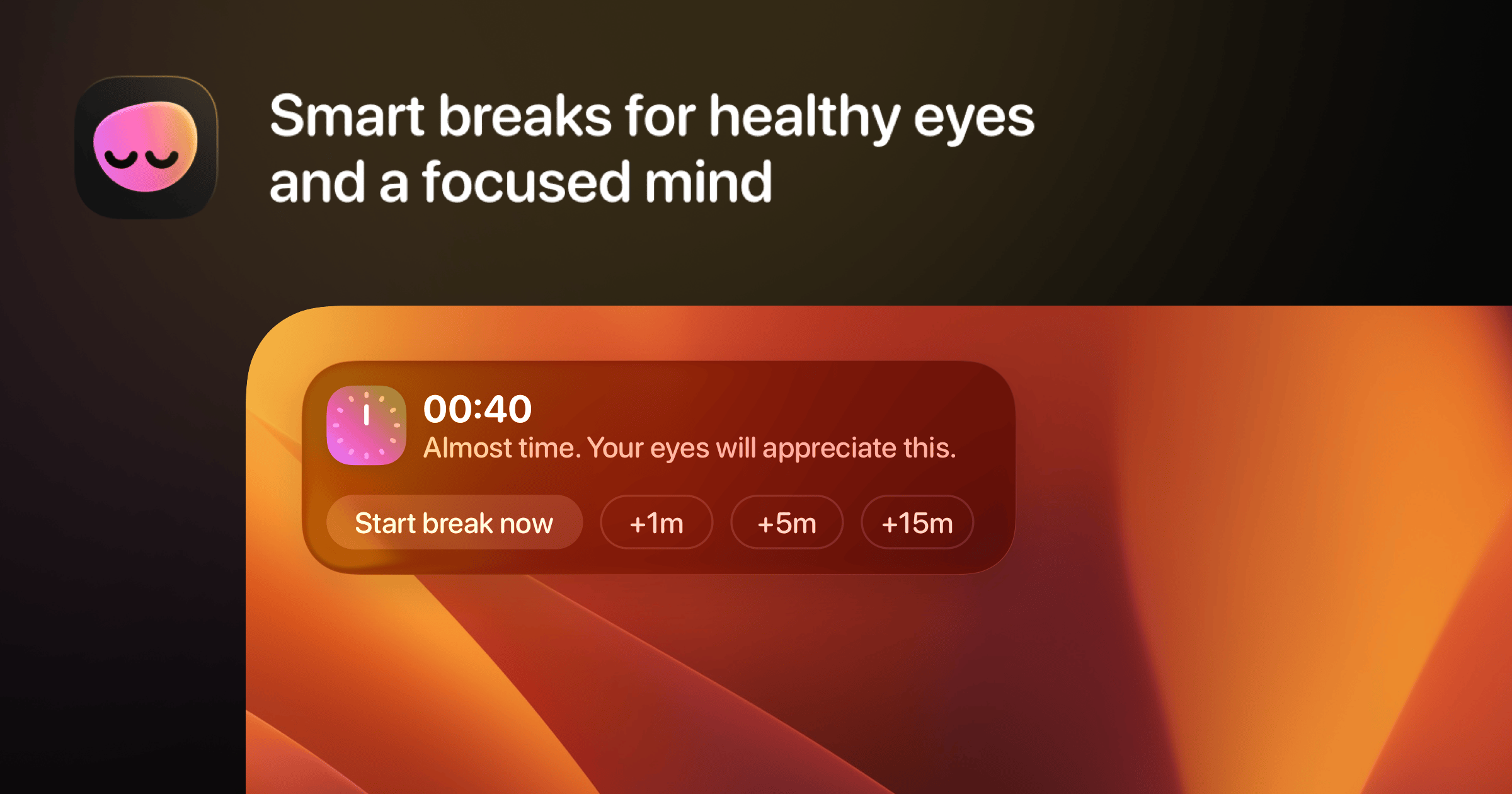
Stop frying your eyes and start taking smarter screen breaks. LookAway is a native Mac app that gently reminds you to rest your eyes, fix your posture, and actually blink, without killing your deep work session.
It waits for the right moment to nudge you, auto-pauses during meetings, screen recordings, and gaming, and even syncs breaks to your iPhone so you don't just pick up another screen. Customize everything from sounds to backgrounds to motivational messages.
If you spend 8+ hours a day staring at code (hi, that's us 👋), this one is a must-have.
📚 Learning
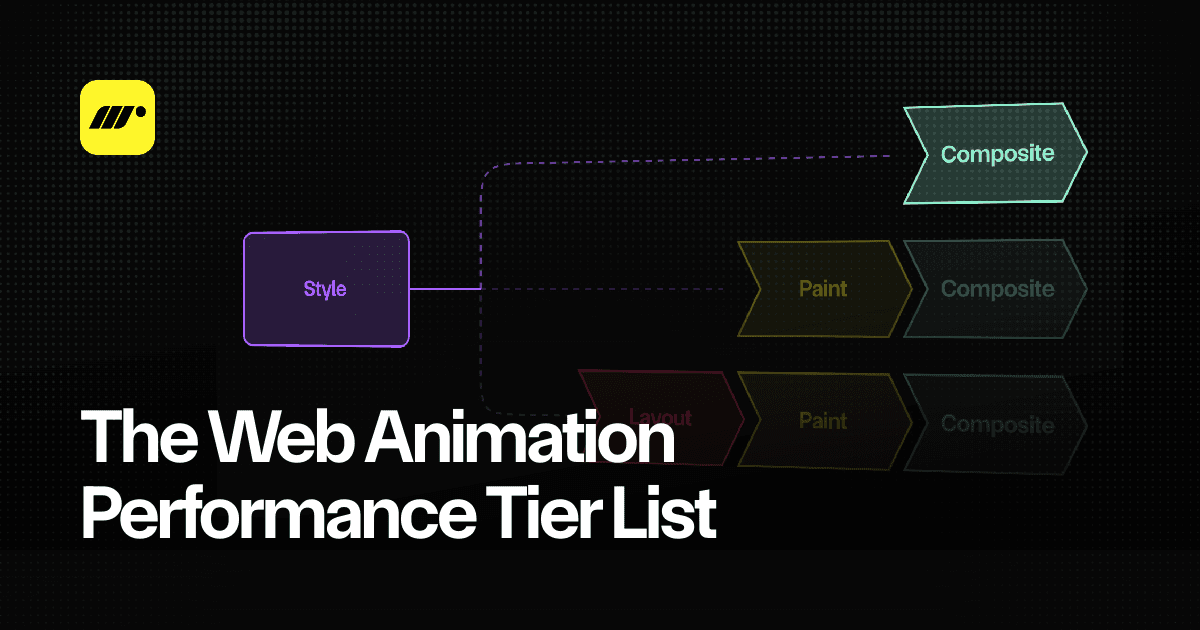
The Web Animation Performance Tier List
Matt Perry breaks down the browser's render pipeline and ranks every animation technique into a tier list — from S-Tier (compositor thread 😎) to F-Tier (DOM thrashing 😬). You'll learn why transform and opacity are your best friends, why CSS variables can secretly tank your performance, and how layout animations can be made cheap with the FLIP technique.
New life-like easing in CSS
The linear() easing function lets you go way beyond your standard ease-in, ease-out, or even cubic-bezier curves. We're talking bounces, elastic snaps, overshoots, and that classic cartoon-style anticipation before a movement — all natively in CSS. Tools like the Easing Wizard let you visually tweak spring physics, stiffness, and duration, then just copy out the ready-to-use linear() function for your transition-timing-function or animation-timing-function.
Reimagining Fluid Typography
Ever set your browser's font-size preference to something like 24px, only to have websites blow up to 36px because they're already scaling text relative to the default? That's the problem Miriam Suzanne tackles in this article. The core issue is that we've all been doing mental math assuming 1rem == 16px, and building our fluid type scales on top of that but the moment a user changes their default font size, everything breaks. Her take? Don't set a root font size at all, and if you want responsive type, use something like clamp(1em, 0.9em + 1vw, 1.5em) to add slight responsiveness to the user's value instead of chasing a pixel target.
💅 Showcase
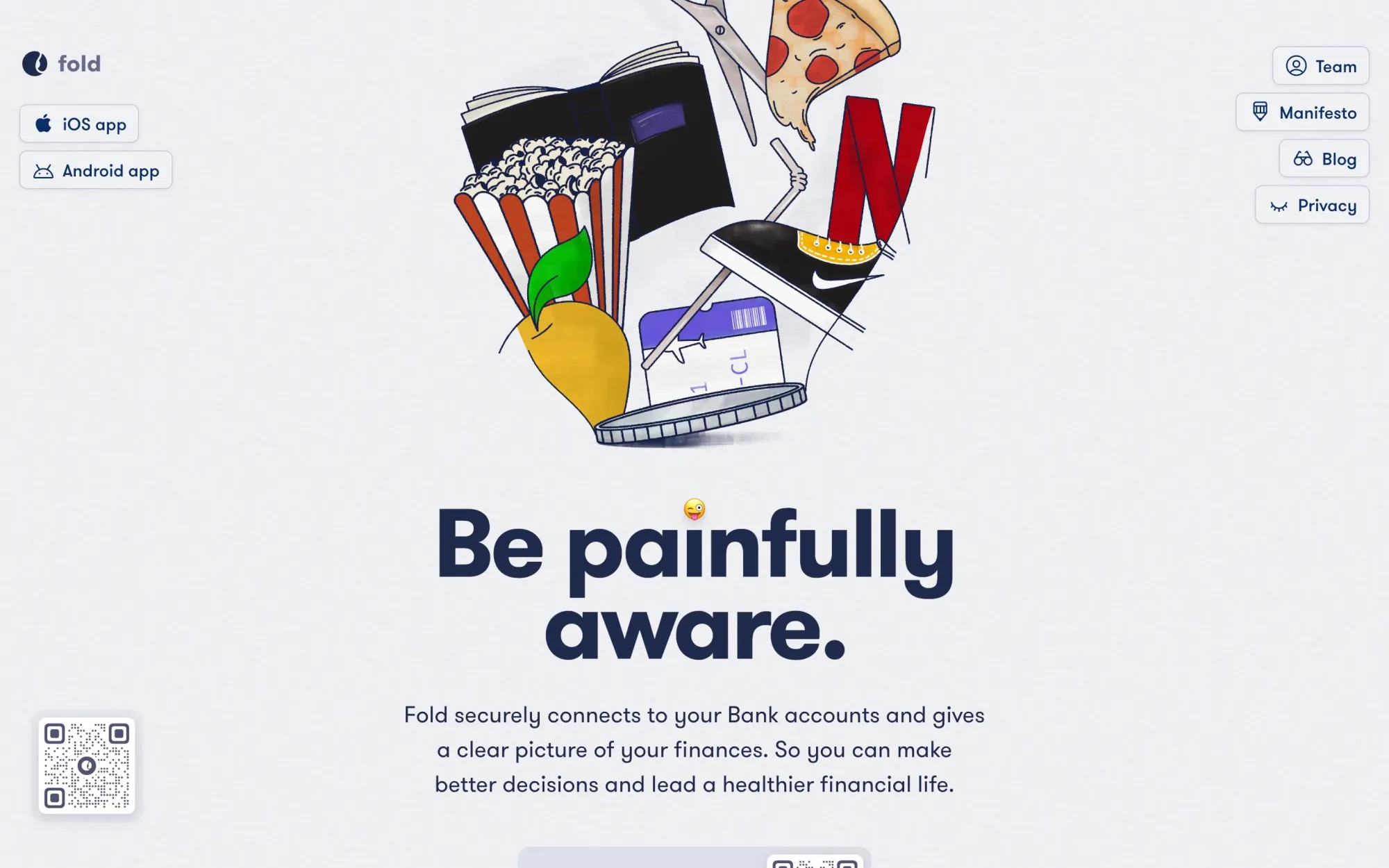
Fold
Fold is a personal finance app that connects to your bank accounts and gives you a clear, beautifully designed picture of your spending. It automatically pulls and categorises your transactions so you don't have to manually track expenses (we all know how that goes 😅). It also comes with smart search, cash flow tools, balance trends, and even lets you download bank statements without the usual headache.
🎁 Resource
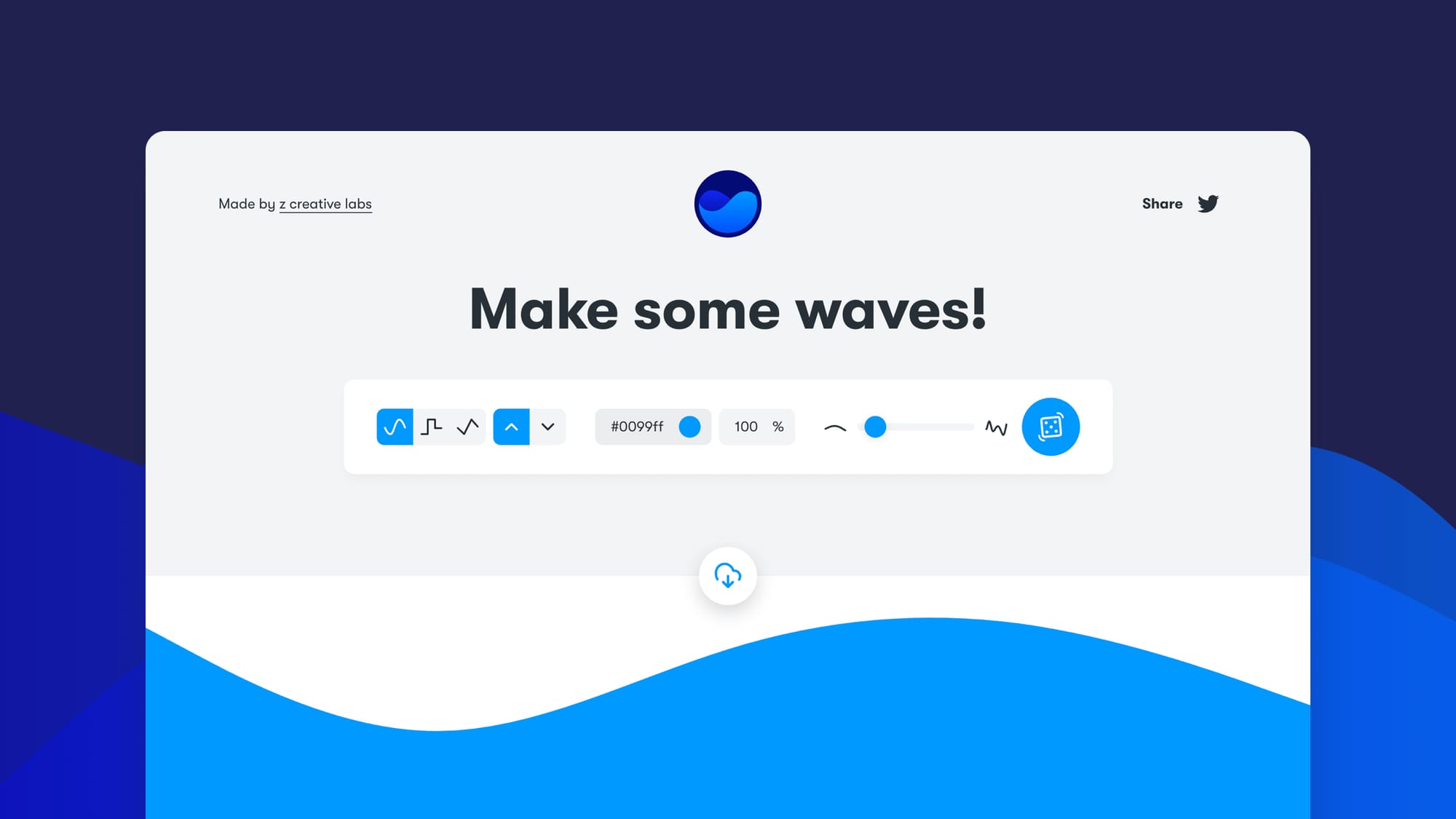
GetWaves
Get Waves is a handy little tool that lets you generate custom SVG waves right in your browser. You can tweak the shape, complexity, and colors to get exactly the wave you need for your next hero section, divider, or background. They also have a Figma plugin if you want to create waves directly in your designs.
👌 Cool Stuff
Windybase - Explore weekly curated free & premium Tailwind templates, components and tools to help you build modern websites and apps fast.
Wirewiki – Explore internet infrastructure with DNS tools like propagation checks, record lookups, DNS trace, and more.
Eagle – A visual asset manager with tagging, smart folders, and web clipping to organize screenshots and inspiration fast.
Instant Domain Search – Find and register available domains in real time as you type across 800+ TLDs, with AI suggestions.
Do you want to share something with the Tailwind CSS community?
You can submit a link or message me on Twitter @vivgui.
Want to support the newsletter? You can buy me a coffee with this link 😁.

Discussion