
Tailwind Weekly #214: v4.3 New Utilities, Maizzle 6 Updates, and Blend Mode Magic 🎨
Hello folks!
Great week in Tailwind Land! v4.3 just dropped with a pile of new utilities, ui.sh is getting smarter with dark mode, and Maizzle 6 keeps rolling out nice RC updates. Plus some really good learning articles on blend modes, critical CSS, and making your site LLM-friendly.
Let's dive in 👇
🌟 News
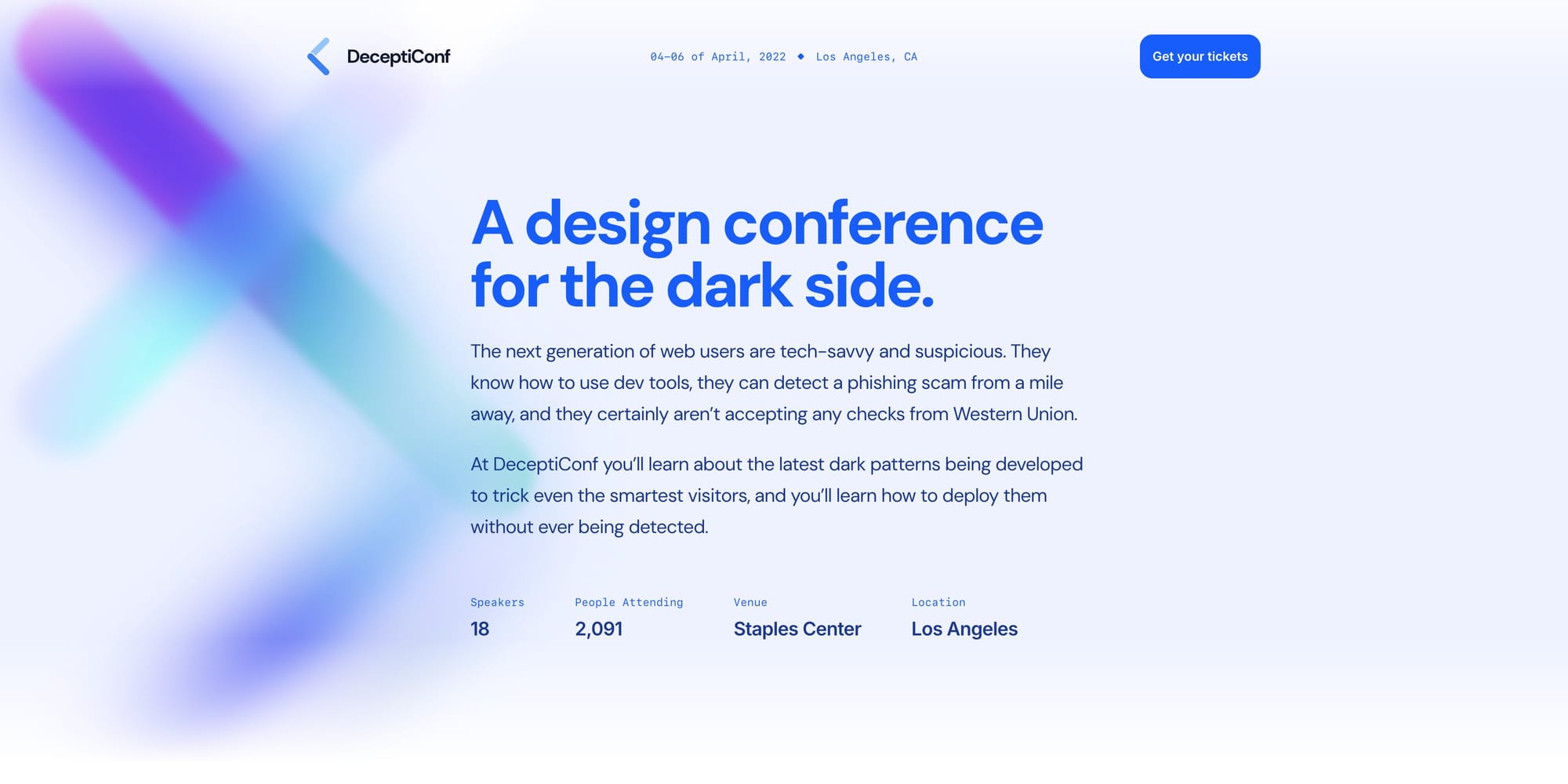
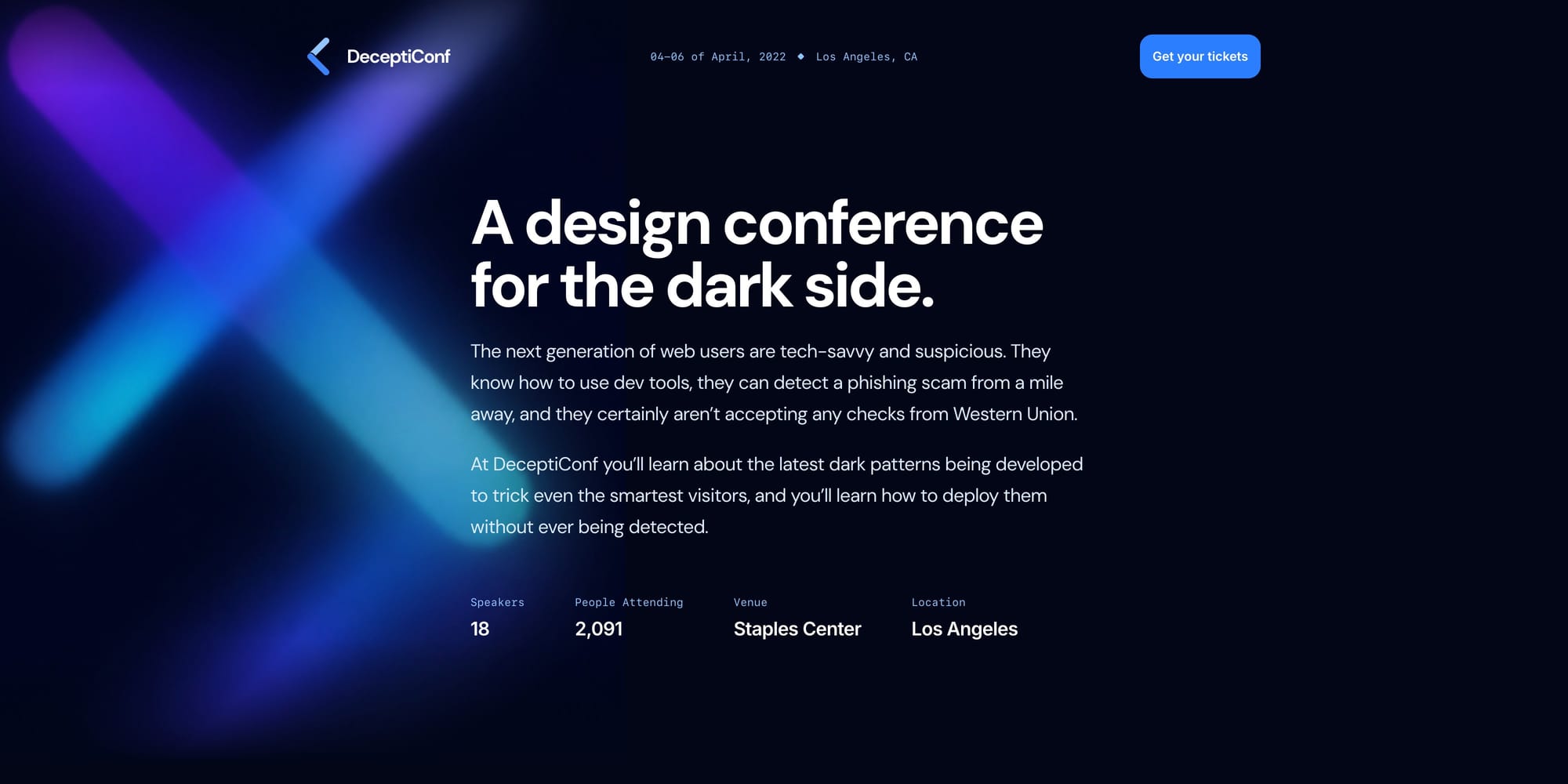
ui.sh gets smarter dark mode 🌙
The Tailwind Labs team has been improving ui.sh's dark mode skills this week to take advantage of ChatGPT's new image model, which can automatically generate dark mode versions of rasterized images like decorative background graphics. Pretty wild that this kind of thing is now possible!
Tailwind CSS v4.3 is out 🎉
Tailwind CSS v4.3 just dropped and it's packed with new utilities! You get @container-size for setting container sizes, a whole set of scrollbar utilities (scrollbar-thin, scrollbar-thumb-*, scrollbar-track-*, scrollbar-gutter-*), plus new zoom-* and tab-* utilities. @variant now supports stacked and compound variants too. There's also a solid list of fixes around canonicalization and Vite/PostCSS path resolution.
Maizzle 6 RC updates keep coming 📬
Maizzle 6 (Tailwind CSS for email) keeps rolling out RCs and the latest ones are packed! RC.18 makes CSS inlining and purging on by default (finally), renames <Divider> to <Hr>, and adds handy new composables like useTransformers(), useBaseUrl(), and useUrlQuery() for per-template control. You also get layouts for Markdown templates, a <Tailwind> component for easier React Email migration, and a <Font> component to pull in webfonts from Google or Bunny Fonts. Plenty more in there — worth a look if you're doing email dev!
🤩 Windy Picks
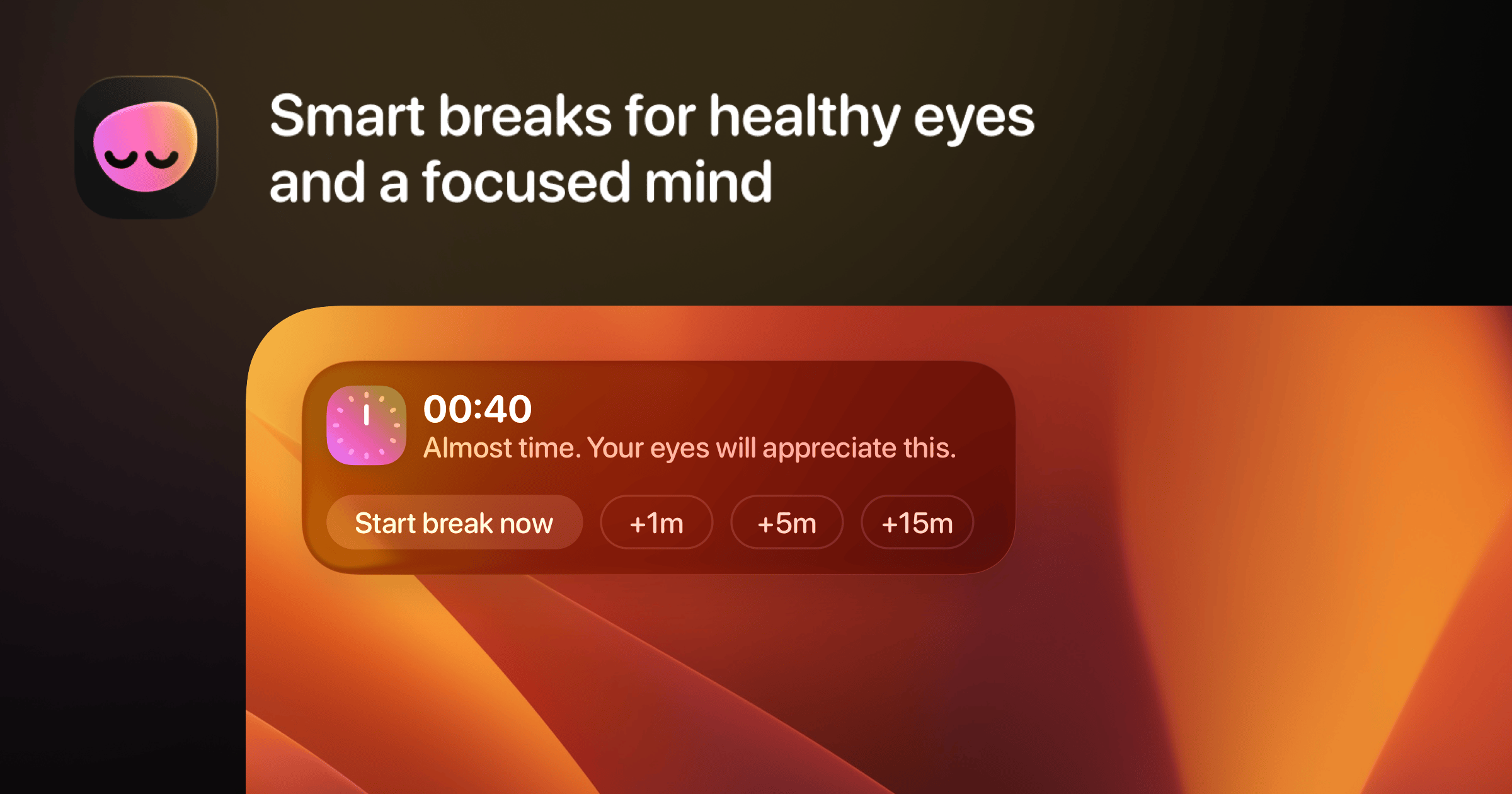
Deep work sessions are great until you realize you've been hunched over your keyboard for 4 hours straight, haven't blinked properly, and your neck is screaming.
LookAway is a native Mac app that nudges you to rest your eyes, fix your posture, and actually breathe, without killing your flow. It waits for natural breakpoints to interrupt you, auto-pauses during meetings, screen recordings, and gaming, and syncs breaks to your iPhone so you don't just swap one screen for another.
Try LookAway for Mac. $19 for lifetime access.
📚 Learning

Compositing & Blending
If you’ve ever used mix-blend-mode and thought “this looks cool, but I have no idea what’s actually happening,” this article is the missing mental model. It breaks down (in a surprisingly approachable way) how your browser builds the final pixels you see by first compositing layers and then blending colors in the overlap, and it explains why some blend modes feel intuitive (lighten/darken) while others feel like black magic (difference, hue, luminosity). The really valuable part is that it doesn’t stop at definitions, it helps you reason about what a blend mode will do, calls out the real-world footguns (like blend results changing depending on your display color space and browser), and shows where this stuff is genuinely useful in CSS (text on images, duotone effects, weird border/outline tricks) without turning into a pure math lecture.
Inlining Critical CSS: Does It Make Your Website Faster?
Inlining critical CSS can make a site feel insanely fast, and this article does a great job explaining why: CSS is render-blocking, so even if your HTML shows up quickly the user can still be staring at a blank page until the stylesheet arrives. It breaks down what “critical CSS” actually means (mostly above-the-fold layout, header/nav, first sections, any sticky bits) and why embedding those rules directly in the HTML can kickstart rendering immediately, especially if you’re also deferring JS.
Making your site visible to LLMs: 6 techniques that work, 8 that don't
With AI tools becoming a real discovery channel, the Evil Martians team put together a super practical guide on what actually moves the needle for LLM visibility. They go through the 6 techniques worth your time (llms.txt, serving .md routes, <link rel="alternate"> tags, HTTP Link headers, content negotiation, and a clever visually-hidden hint div) and, just as useful, the 8 popular "AI SEO" tricks that are basically snake oil. What I really appreciated is they're upfront about what's proven vs. what's a bet on the future, with actual data and code snippets you can drop into your stack.
💅 Showcase
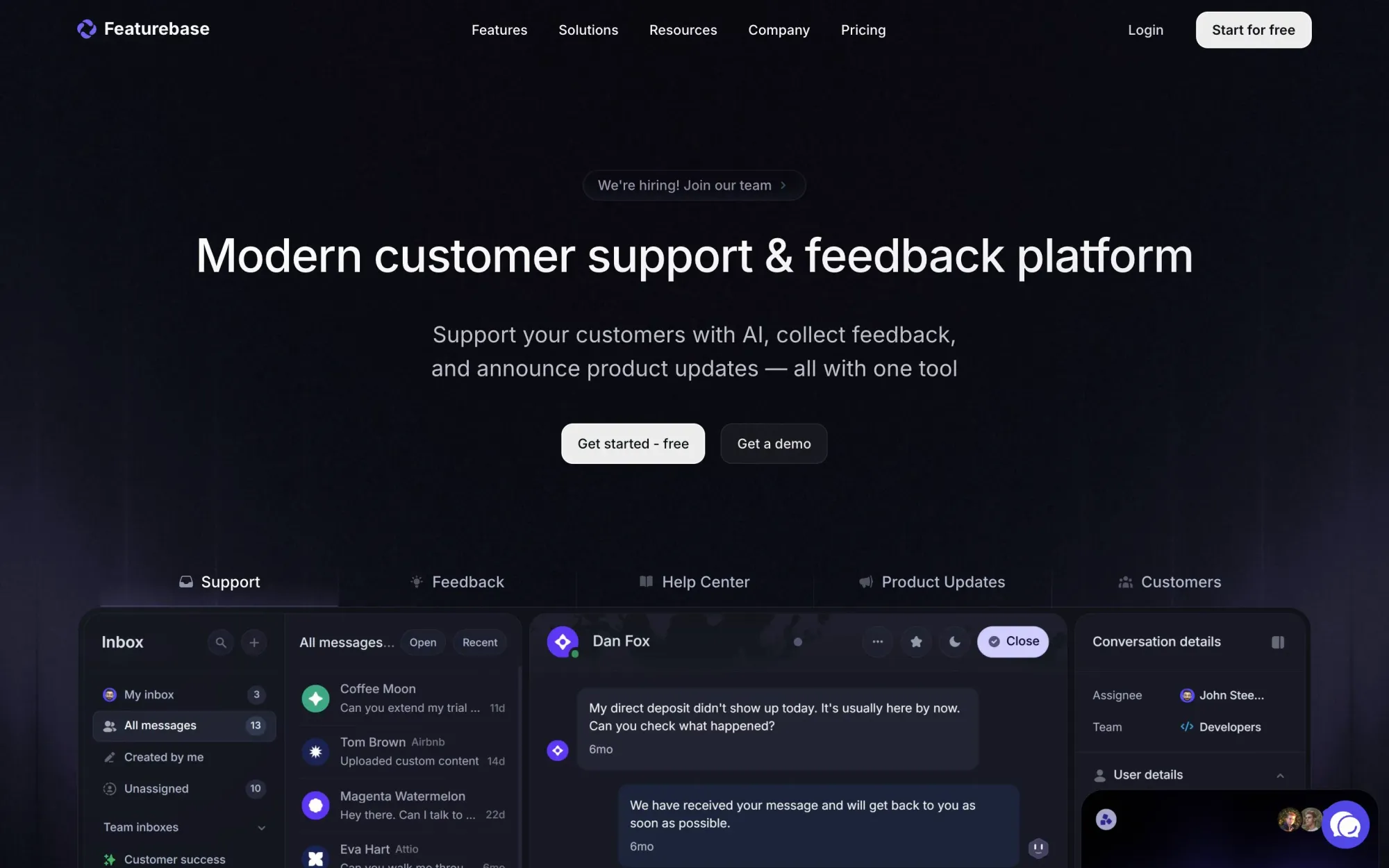
Featurebase
Featurebase is an AI-native support and product feedback hub that lets web developers consolidate every customer conversation into one fast, scalable inbox, then ship smarter with centralized feedback, changelogs, and self-serve documentation. Built for scale and security, Featurebase supports millions of end-users with sub-150ms latency so your support and product workflows don’t become your bottleneck.
🎁 Resource
Tailwind Toolbox
This is a pretty handy little “toolbox” write-up if you’re using Tailwind and keep running into the same styling edge cases. It’s basically a collection of small, composable patterns like a hocus variant that merges hover + focus-visible, a clean way to configure per-font-size line-height via theme variables, and the in- variant for styling something based on an ancestor state (great for drawers/overlays). It also shows how to create pointer-specific variants for mouse vs touch, and the best part: using matchVariant to build a slot- variant so you can style slotted children via data-slot from the parent class without ugly nested selectors. Overall, you’ll walk away with a few “oh nice, that’s cleaner” tricks you can drop into your setup immediately.
👌 Cool Stuff
Windybase - Explore weekly curated free & premium Tailwind templates, components and tools to help you build modern websites and apps fast.
1Panel – A modern open-source VPS control panel to manage Docker, sites, and local LLMs, with monitoring, backups, and SSL.
Unraid – An easy-to-use OS for self-hosted servers and NAS, letting you mix drives, run apps, and scale storage.
Nota – A fast plain-text Markdown notes app with wiki links, smart editing, and full data ownership (no accounts or lock-in).
Do you want to share something with the Tailwind CSS community?
You can submit a link or message me on Twitter @vivgui.
Want to support the newsletter? You can buy me a coffee with this link 😁.

Discussion