
Tailwind Weekly #206: v4.2 Performance Boosts, New Palettes & Smarter Utilities 🚀
Hello folks!
Tailwind CSS v4.2.0 is here, and it’s not just a minor bump. We’re talking major performance gains, new color palettes, smarter logical utilities for international layouts, and better typography control straight from your classes.
Let’s dive in 👇
🌟 News
v4.2.0 Brings Massive Performance Gains and New Palettes
v4.2.0 just landed last week, and this one is a big deal.
Adam tagged the release this week, and the headline feature is performance. Tim Neutkens shared that they measured a 3.8× speed improvement on recompilation in a large production app. That means faster rebuilds on every edit. Not just initial compile. Every single save.
The improvement applies to Next.js, Vite, Webpack, PostCSS, and even Turbopack, thanks in part to a brand new Webpack plugin designed to dramatically improve framework integrations.
🎨 Four New Color Palettes
We’re also getting new colors:
- Mauve
- Olive
- Mist
- Taupe
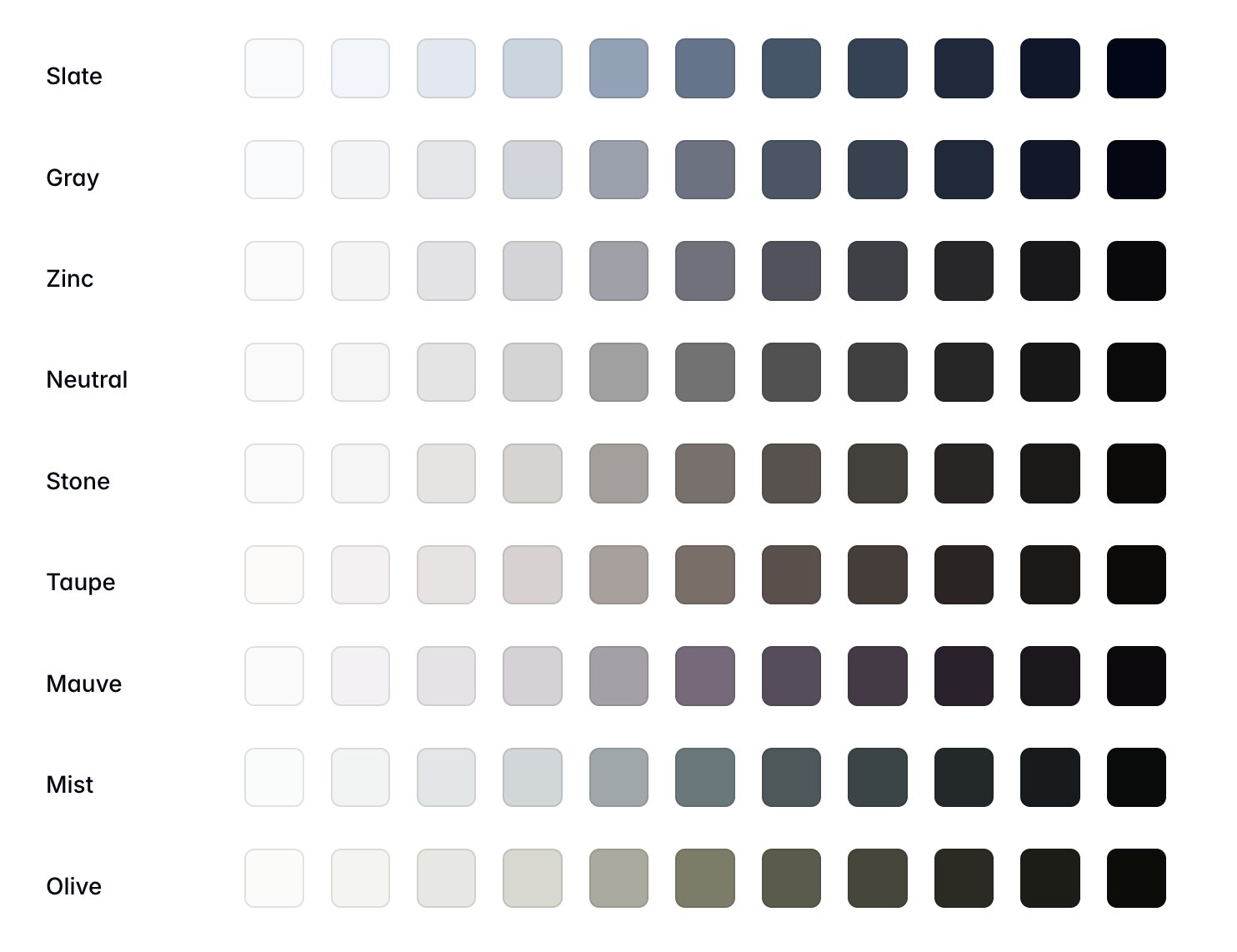
These lean more muted and sophisticated. Expect to see them pop up quickly in dashboards and marketing sites that want a softer, more editorial feel without going full grayscale.
↕️ Logical Direction Utilities
New utilities for logical block start and end directions are now available. This makes writing-mode aware layouts and RTL support much cleaner. If you build international apps, this one’s quietly powerful.
🔤 font-feature-settings Utilities
You can now control font-feature-settings directly with utilities. That means better control over ligatures, stylistic sets, tabular numbers, and other advanced typography features without dropping to custom CSS.
Adam also mentioned that several of these improvements were driven by collaborations with teams at Netflix and Vercel through the Tailwind Partners Program ❤️.
🤩 Windy Picks
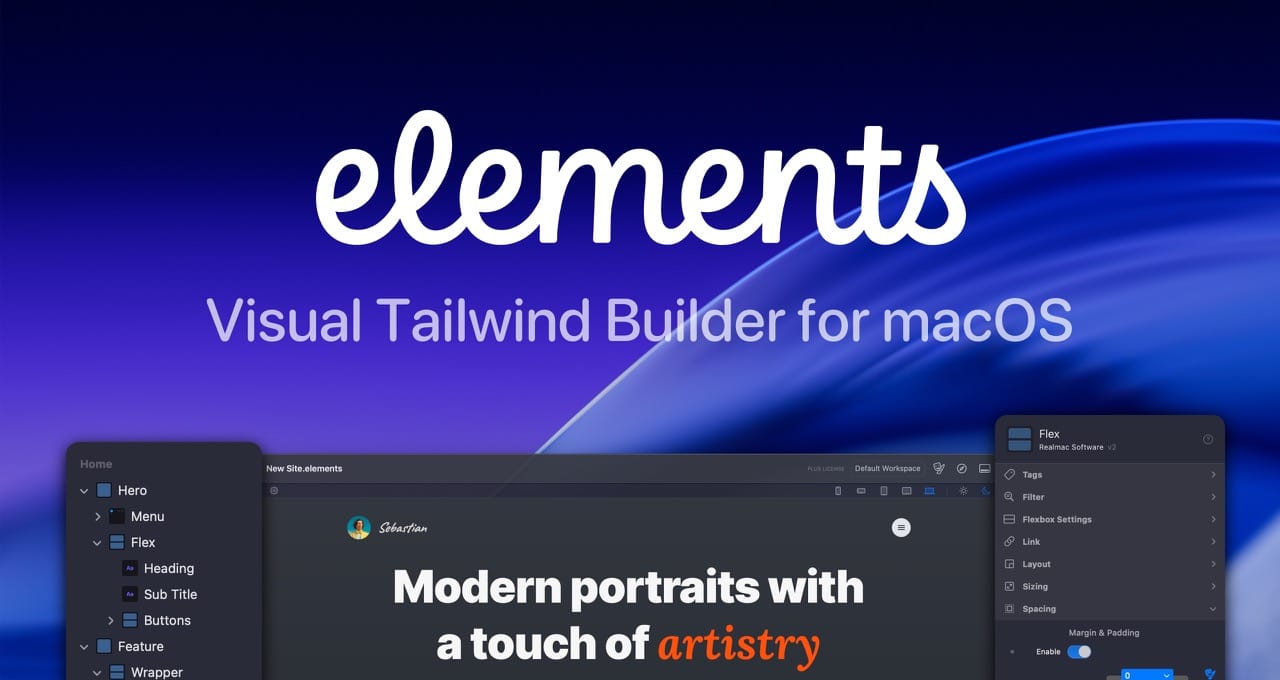
Build modern Tailwind websites visually, without fighting code.
Elements combines a visual workflow with full Tailwind control and clean, readable markup in a native macOS app. No abstractions, no bloated HTML, no vendor lock-in.
Right now, you can get 25% off, automatically applied at checkout. Download it for free and see how it fits into your Tailwind workflow.
📚 Learning
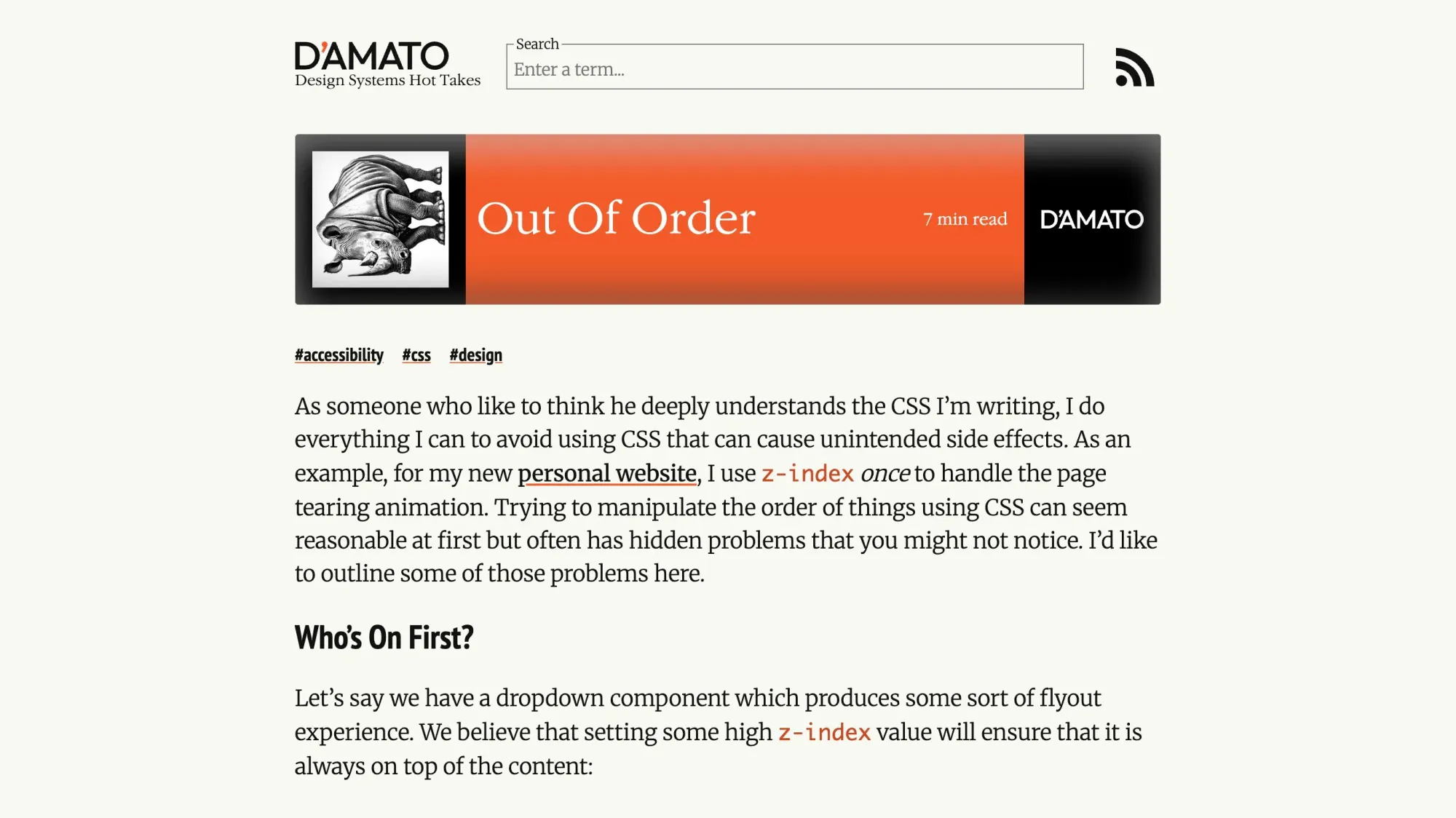
Out of order
If you’ve ever “fixed” a layering issue by bumping a z-index and moving on, this article is going to feel uncomfortably familiar. It walks through why z-index quickly turns into a priority war once components start nesting (dropdowns inside modals, tooltips inside dropdowns, etc.), then makes a strong case for relying on DOM order (and newer concepts like the top-layer) instead of playing whack-a-mole with magic numbers.
The power of the spread and rest syntax in JavaScript
Those three dots (...) show up everywhere in JavaScript and this article finally makes them feel a lot less “magic” by clearly explaining when they mean spread (expanding arrays/objects/iterables) vs rest (gathering values into a single array/object). It walks through the most common real-world uses like copying and merging arrays, passing array values as function arguments, doing immutable object updates, and using rest parameters to replace the old arguments pattern, while also calling out the gotchas people run into (shallow copies and property override order).
A Guide to Browser DevTools
Michael guides you through the Network tab in DevTools and shows you how to read what’s happening when a page loads, what requests are being made, how long they take, what the server actually returned, and where to look when things fail (like spotting a 404 immediately instead of guessing). The best part is that it doesn’t try to cover every single feature; it focuses on the stuff you’ll actually use day-to-day like filtering, searching within responses, preserving logs across refreshes, and disabling cache when it’s lying to you.
💅 Showcase
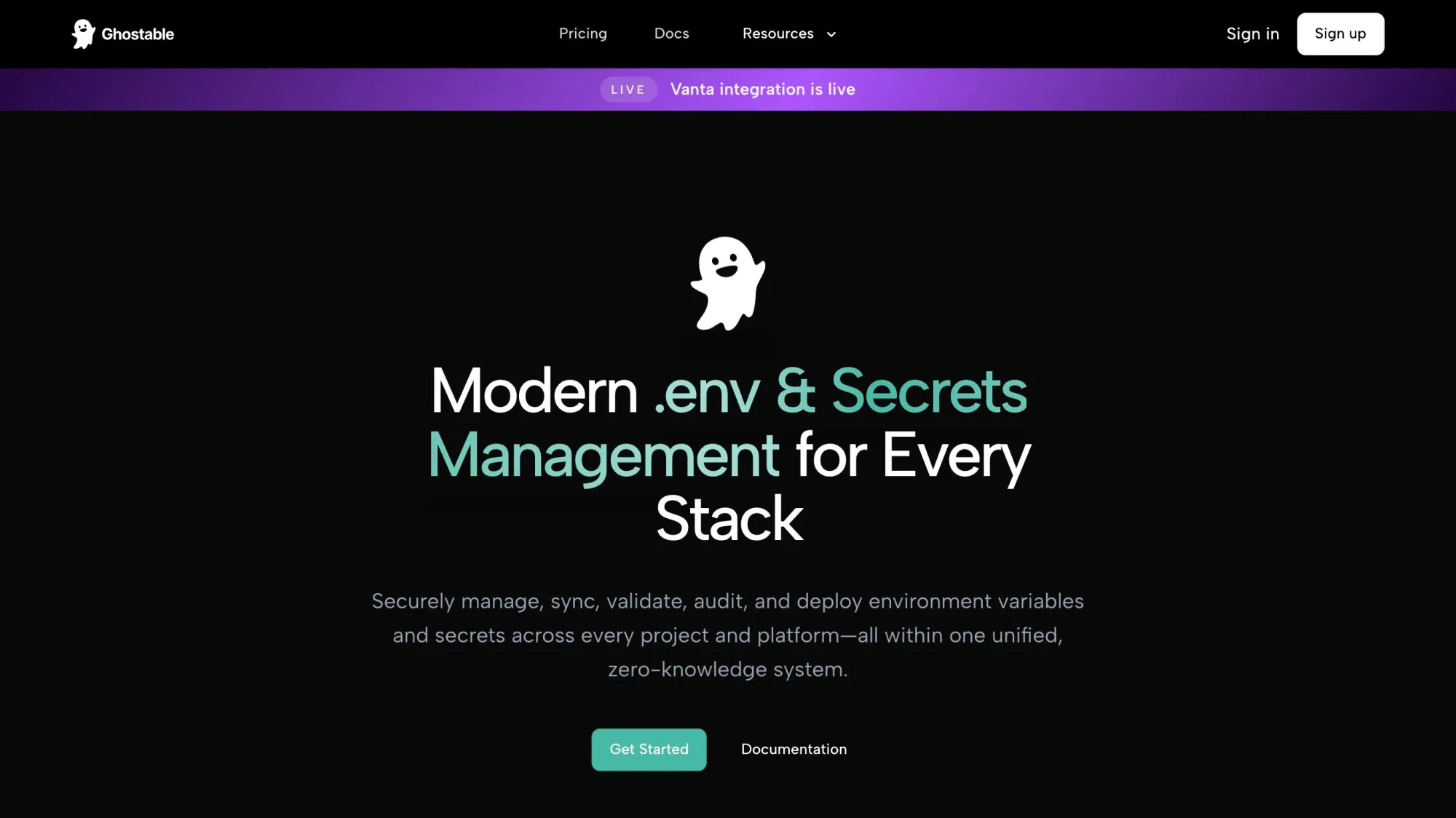
Ghostable
Ghostable is a zero-knowledge .env and secrets management platform that lets web developers securely sync, validate, version, audit, and share environment configs across every project and stack without leaking plaintext to third-party servers. Use the CLI to enforce rules locally, prevent broken deploys with preflight validation, and keep a full change history with rollback and detailed audit logs. Drop it into your existing CI/CD workflow to deploy configs safely with fine-grained org and project permissions, no more emailing .env files or pasting secrets into Slack.
🎁 Resource
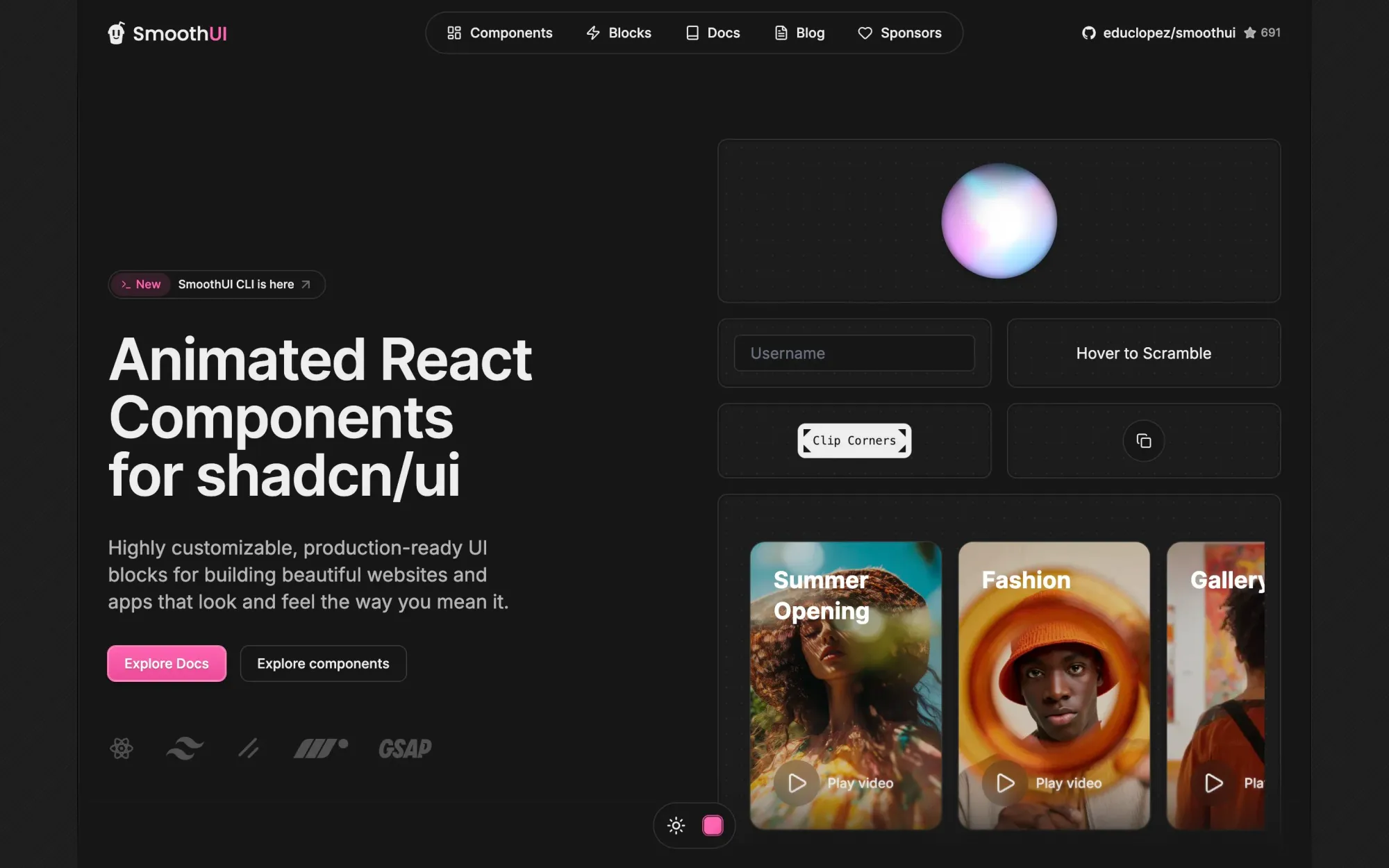
SmoothUI
If you’re already building with shadcn/ui and Tailwind, SmoothUI looks like a solid way to speed up your UI without sacrificing the “custom-built” feel. It’s basically a set of production-ready, highly customizable blocks you can drop into your app, with smooth animations baked in via Motion and GSAP, and it’s built with modern React patterns (Server Components, TypeScript, hooks) so it should fit nicely into a serious codebase.
👌 Cool Stuff
Tail Lens - A browser tool to tweak classes and preview the results instantly in-browser, then copy the final classes straight into your code for a guaranteed productivity boost.
PHPark – A Linux PHP dev environment manager with auto Nginx configs, .test domains, SSL, and instant PHP version switching via CLI.
DB Pro Studio – A modern desktop database workbench to query, browse, and manage PostgreSQL, MySQL, SQLite, MongoDB, and more.
Do you want to share something with the Tailwind CSS community?
You can submit a link or message me on Twitter @vivgui.
Want to support the newsletter? You can buy me a coffee with this link 😁.

Discussion