
Tailwind Weekly #217: Owl Selectors, JavaScript Deep Cuts, and Gradient Hover Magic ✨
Hello folks!
Pretty quiet week on the official front but we still got stuff for you guys. We're digging into the cryptic-but-handy CSS owl selector, a battle-tested roadmap of 33 JavaScript concepts worth knowing, and a slick gradient hover effect you'll want to steal.
Let's dive in 👇
🤩 Windy Picks
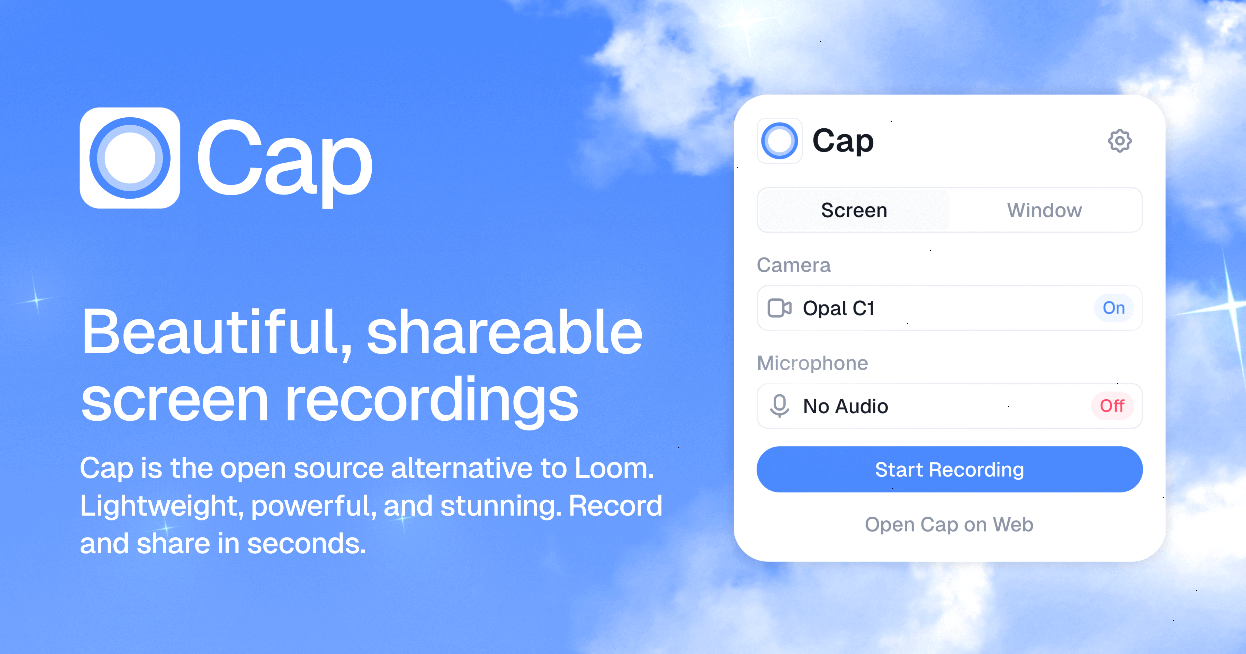
I've tried pretty much every screen recording tool out there, and Cap is the one that finally stuck.
Cap is an open source alternative to Loom that bundles three modes in one app: Instant for quick record-and-share (your video uploads while you record, so the link is ready the second you stop), Studio for polished recordings, and a Screenshot mode. The AI touches are genuinely useful too like auto-generated titles, summaries, chapters, and transcripts without any extra work.
The best feature for me is ownership: you can connect your own S3 bucket or Google Drive, or just keep everything local. No vendor lock-in, no wondering where your recordings live. And since it's fully open source (19k+ stars on GitHub), you can even self-host the whole thing.
If you're recording demos, bug reports, or async updates for your team, this replaces your recorder, editor, and video host in one go. Try Cap for free — no credit card needed.
📚 Learning
What is CSS Owl Selector (* + *)?
The owl selector (* + *) looks cryptic but it's a handy pattern: it targets every element that has a previous sibling, basically "everything except the first one" and great for adding margins between items without touching the first. The big advantage is specificity, since the universal selector adds none, making it easy to override later. Zoran also covers the alternatives like :not(:first-child) (same result but adds specificity) and using gap in Flexbox instead of margins on menu items.
33 JavaScript Concepts
If you’ve ever felt like you can write JavaScript but don’t always understand why it behaves the way it does, this guide is basically a roadmap to fixing that. It’s a curated list of 33 core concepts that everything else builds on, closures, async, scope, the event loop, all the stuff that tends to show up when you’re debugging something weird or prepping for interviews. The nice part is you don’t have to read it top-to-bottom like a book; you can start from scratch or jump straight to the topic that’s currently tripping you up, and each page comes with explanations, code samples, and pointers to go deeper. It’s also been refined by a lot of contributors over time, so it feels more like a battle-tested reference than a random blog post.
Gradients, Blend Modes, And A Really Cool Hover Effect
Gradients are usually the “make it look nice” part of CSS, but this article shows a pretty clever interaction pattern: hovering one item creates a gradient overlay that subtly changes the look of the other items around it, kind of like a more dynamic, contextual version of a box-shadow hover. It breaks down the whole effect step-by-step (with a small, simple HTML structure) and then gets into the real meat: using sibling selectors plus :nth-of-type() “recipes” and CSS variables to control the gradient stops so the hovered element gets the strongest emphasis while everything else fades in a smooth ramp. It also calls out an important UX caveat—don’t rely on color alone for hover feedback—but if you want a practical, copyable technique for building richer hover states with just CSS, you’ll get a lot out of this.
💅 Showcase
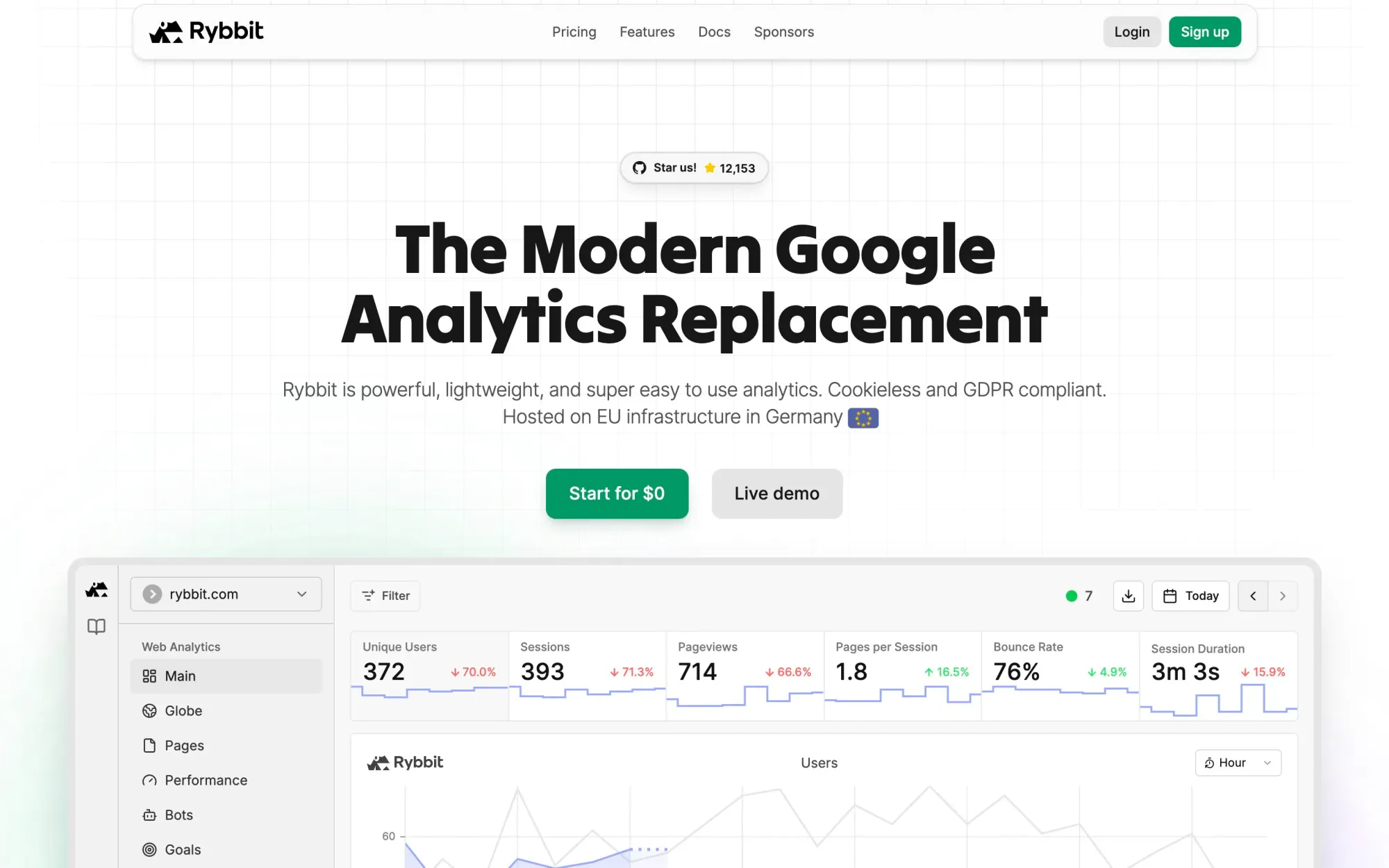
Rybbit
Rybbit is a privacy-first, open-source analytics platform that gives web developers powerful insights like real-time tracking, session replay, funnels, journeys, Core Web Vitals, and custom events, without the usual complexity. Drop in a single line of code to get clean, cookie-free data with built-in bot blocking and GDPR/CCPA-friendly defaults, then extend it via full API access and raw data export with no lock-in.
🎁 Resource
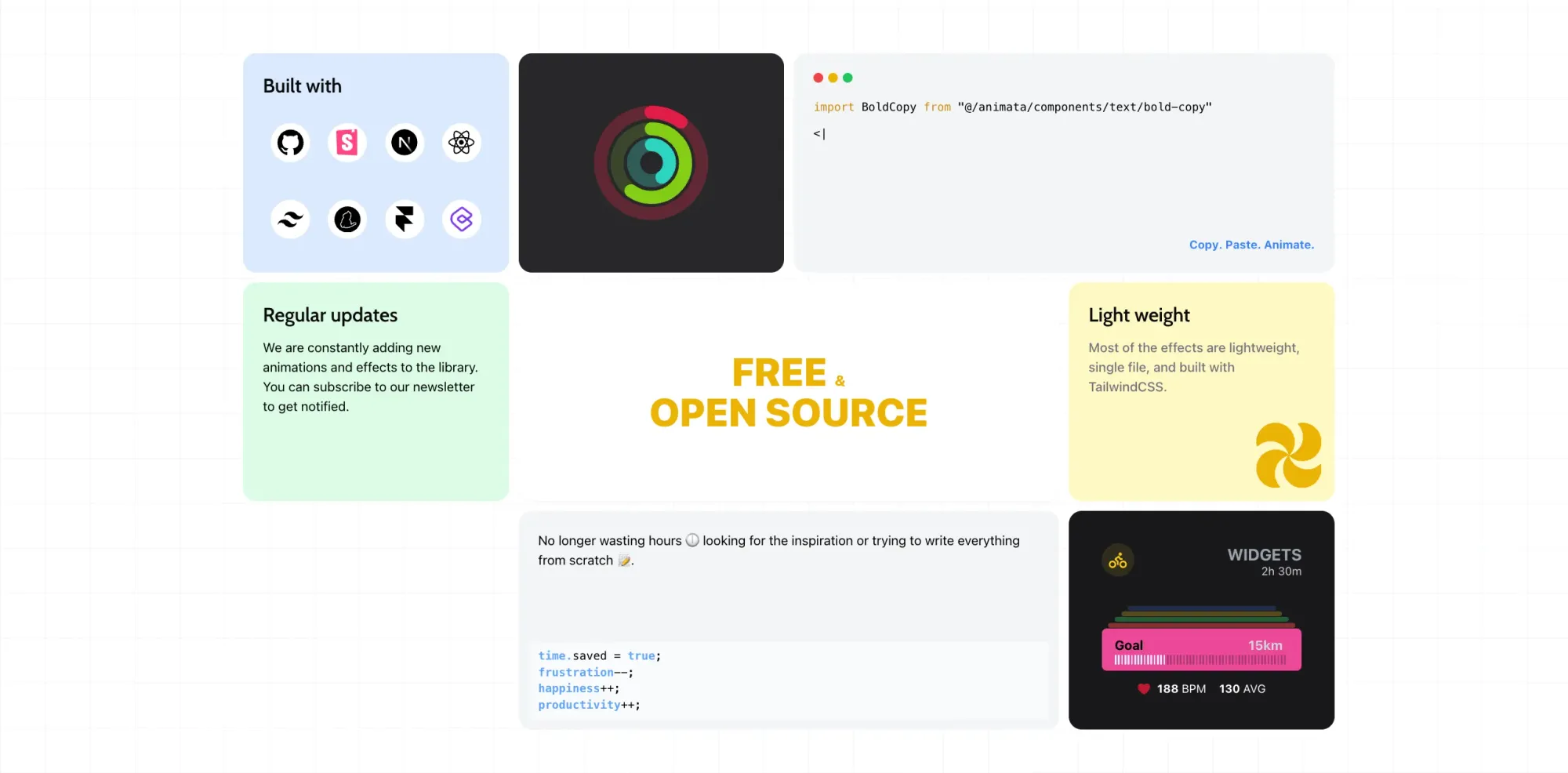
animata
animata is a collection of 158+ animated React components you can copy straight into your project. It's MIT licensed, works with pretty much any framework (Next.js, Remix, Vite, Astro, you name it), and they recently shipped a shadcn registry so adding components is even quicker now.
👌 Cool Stuff
Sponsonizer – Like Calendly for newsletter ad slots. Sponsors pick a date, pay, and you collect the creative—no spreadsheets, no DMs, no 30% middleman.
Lumnea – A bite-sized learning app with AI summaries, flashcards, and audio sessions to pick up new concepts in minutes.
SnippetsLab – A snippet manager and notes app for devs with syntax highlighting, Markdown preview, fuzzy search, and iCloud sync.
Windybase - Explore weekly curated free & premium Tailwind templates, components and tools to help you build modern websites and apps fast.
Do you want to share something with the Tailwind CSS community?
You can submit a link or message me on Twitter @vivgui.
Want to support the newsletter? You can buy me a coffee with this link 😁.

Discussion