
Tailwind Weekly #218: Maizzle 6 Goes Big, Tailwind v4.3.1 Fixes, and Smarter Lazy Loading 🥳
Hello folks!
Big week in email land: Maizzle 6 just dropped and it's the biggest release the project has ever shipped 🥳 We've also got a fresh Tailwind patch, a great read on lazy loading done right, and a new Windy Pick I've been using non-stop: Cap, an open source screen recorder that might just replace Loom for you.
Let's dive in 👇
🌟 News

Maizzle 6 is here 🥳
This is Maizzle's biggest release ever and it shows! The new version brings first-class Tailwind CSS 4 support, Vue templating (components, props, slots, the whole deal), a Vite plugin you can drop into Laravel, Next, Nuxt, Astro and more, plus a library of render-tested email components. There's even an official Agent Skill so your AI assistant stops generating broken-in-Outlook markup. The dev UI got a complete revamp too. Just run npx maizzle new and start building emails the way you build apps!
Tailwind CSS v4.3.1 is out 🛠️
The team just shipped v4.3.1, a patch release packed with fixes and small quality-of-life improvements. Highlights include a new --silent flag for the CLI, @apply now playing nice with CSS mixins, smarter canonicalization (no more weird calc() suggestions), and a bunch of fixes around @source globs and watch mode. Nothing groundbreaking, but if you've hit any rough edges lately, this release probably smooths them out.
🤩 Windy Picks
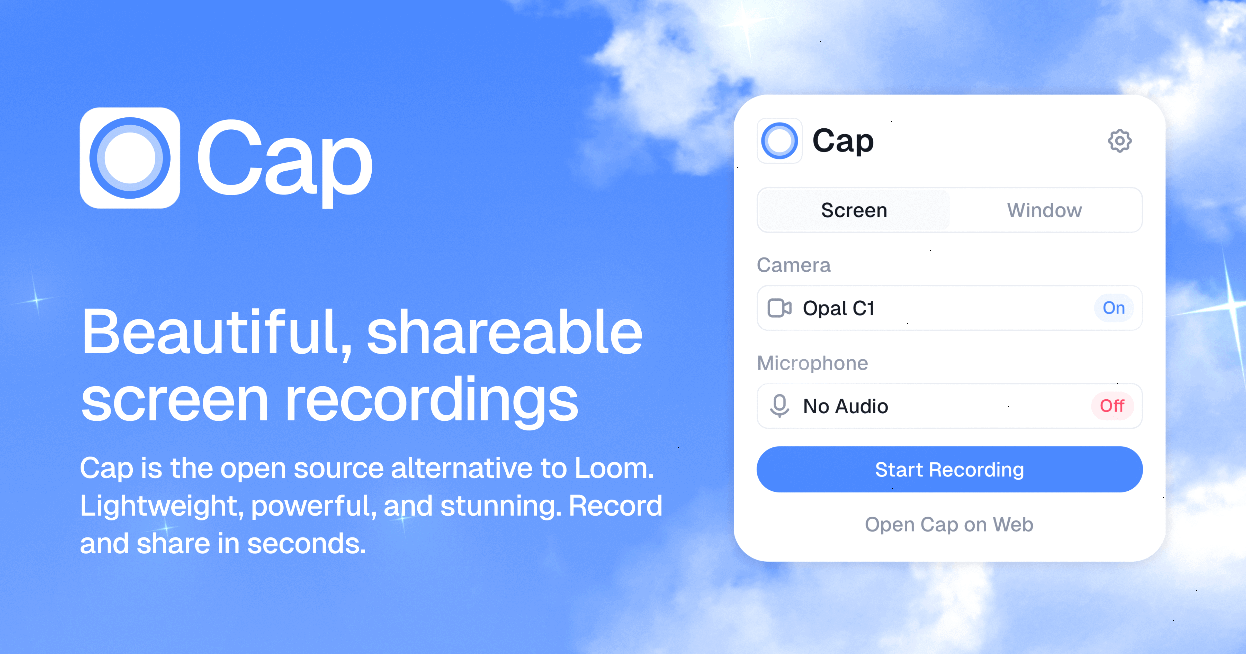
I've tried pretty much every screen recording tool out there, and Cap is the one that finally stuck.
Cap is an open source alternative to Loom that bundles three modes in one app: Instant for quick record-and-share (your video uploads while you record, so the link is ready the second you stop), Studio for polished recordings, and a Screenshot mode. The AI touches are genuinely useful too like auto-generated titles, summaries, chapters, and transcripts without any extra work.
The best feature for me is ownership: you can connect your own S3 bucket or Google Drive, or just keep everything local. No vendor lock-in, no wondering where your recordings live. And since it's fully open source (19k+ stars on GitHub), you can even self-host the whole thing.
If you're recording demos, bug reports, or async updates for your team, this replaces your recorder, editor, and video host in one go. Try Cap for free — no credit card needed.
📚 Learning
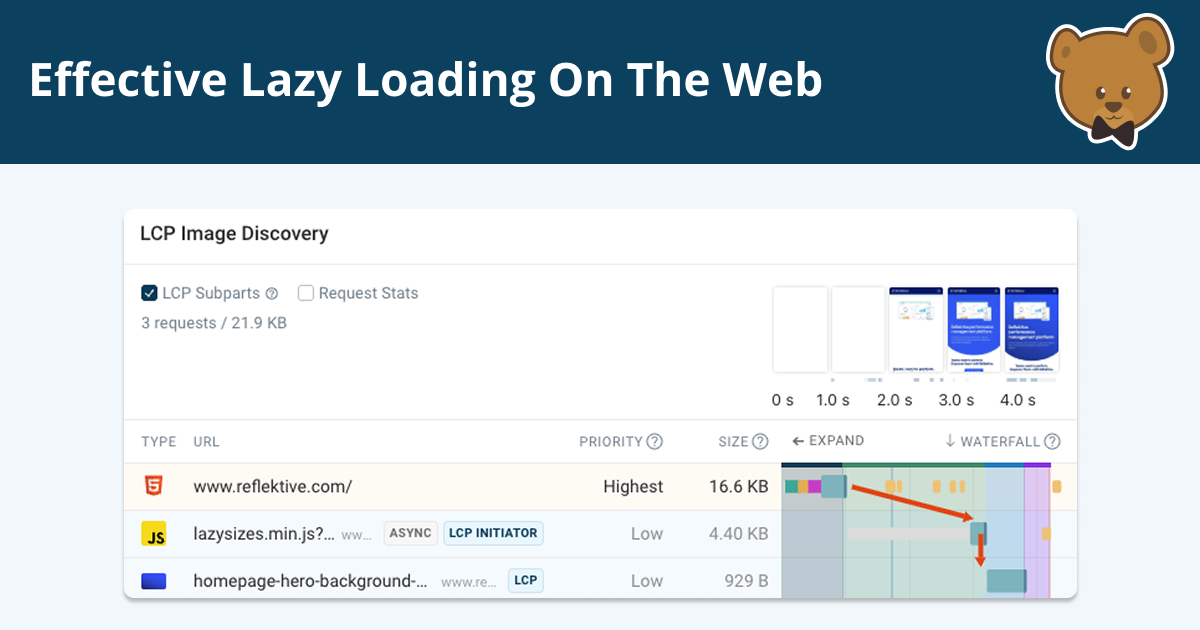
How to Use Lazy Loading Without Hurting Web Performance
Lazy loading is one of those “always do it” performance tips that sounds great until it quietly makes your site worse, and this guide does a really good job of explaining why. It breaks down what lazy loading actually does (and what it doesn’t), when it’s a win (think below-the-fold images and heavy embeds), and the common ways people shoot themselves in the foot by lazy loading the wrong things—especially anything that affects LCP, plus the knock-on effects like layout shifts (CLS) and sluggish interactions (INP). I also liked that it doesn’t just warn you, it gives a practical checklist and a clear lazy vs eager mental model so you can make better decisions than “lazy load everything and hope for the best.”
::search-text
This guide introduces the new CSS ::search-text pseudo-element, which lets you style “find in page” matches (and even the currently focused match via :current) using regular CSS, so you can make the highlight fit your site’s theme instead of fighting it. It also covers the practical stuff you’d want to know before getting excited: where you can apply it (globally or scoped to elements), which CSS properties are actually supported (it’s a limited set), how custom properties work with it, and a neat bit about how the highlight styles inherit through descendants so you don’t get surprising inconsistencies.
How to Evaluate an npm Package - 2026 Edition
If you’ve ever picked an npm package by glancing at GitHub stars and weekly downloads, this article is basically the antidote. It makes the (slightly uncomfortable) point that every npm install is you letting a stranger’s code run with whatever access your app has, then walks you through a repeatable 5–10 minute checklist to judge whether a dependency is worth that trust. It covers the usual supply-chain horror stories (compromised maintainers, typosquats, sketchy transitive deps) but also a newer one that’s very relevant right now: “slopsquatting,” where AI assistants hallucinate package names and attackers register them. The practical value here is that it tells you exactly what to look for beyond “seems popular”: maintenance signals, suspicious install scripts, whether the published npm tarball can be tied back to a real repo commit via provenance/trusted publishing, and whether the CI setup is actually meaningful or just a pretty badge.
💅 Showcase
Brew
Brew is an AI-native email marketing platform that generates on-brand emails from natural language prompts. It learns your palette, typography, and voice up front, then lets you draft via chat and edit any block directly on a canvas — campaigns and automations side by side. The site itself is super polished, with playful interactive sections and a slick infinite template canvas that's worth a scroll.
🎁 Resource
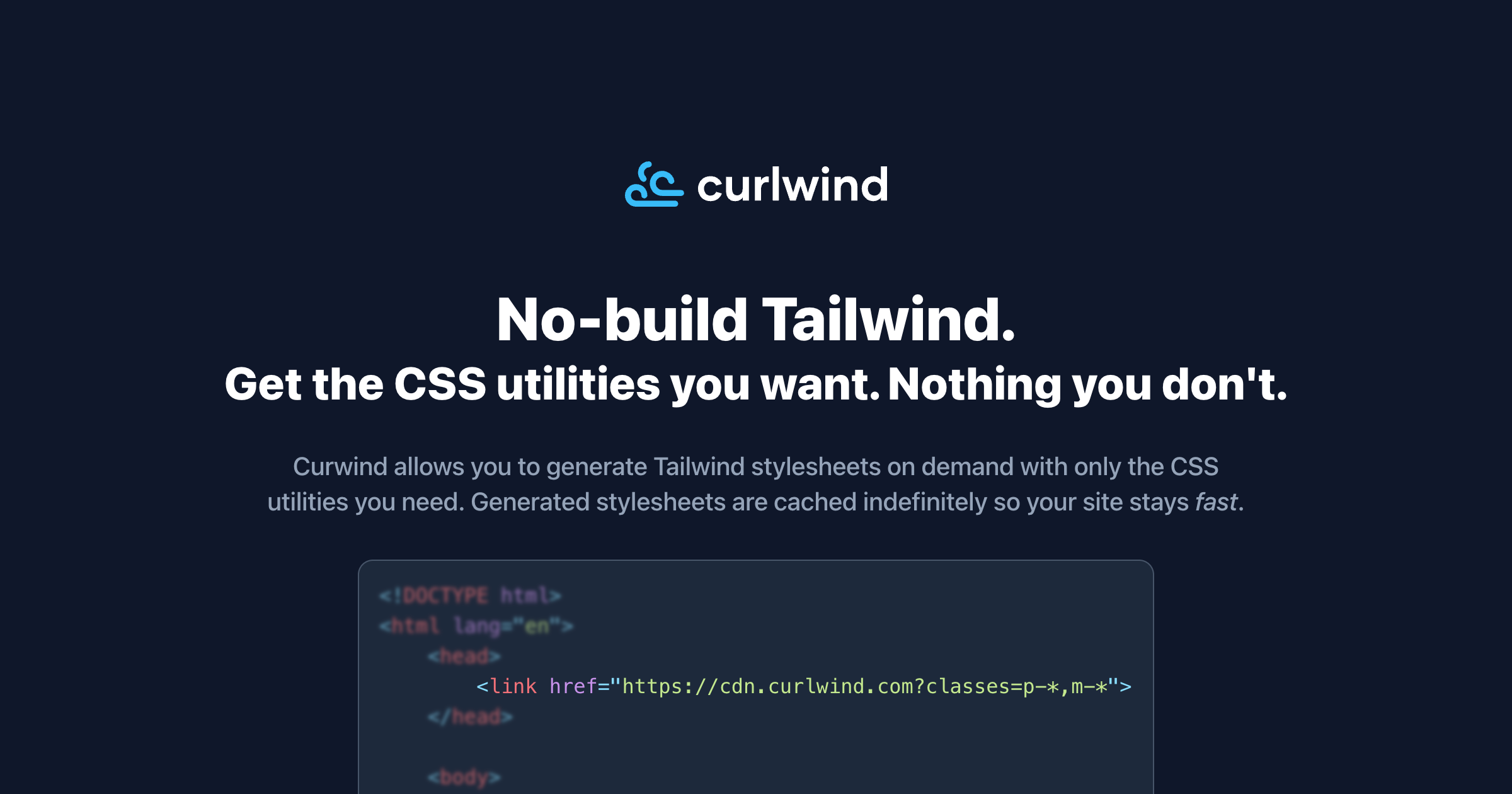
Curlwind
Curlwind is basically “no-build Tailwind” without shipping the entire framework. You drop a stylesheet link in your <head> and then request a generated CSS file by passing the classes you actually use via a query parameter (wildcards and variants included), so you end up with a stylesheet that contains only the utilities you need. The generated stylesheets are cached indefinitely which should keep things snappy, and there are a bunch of nice toggles like disabling Preflight, adding a prefix, outputting unminified CSS, and enabling Tailwind plugins. Definitely worth a look if you like Tailwind but don’t want to set up a build pipeline for smaller sites or quick prototypes.
👌 Cool Stuff
PikaPods – Run open source apps like Immich, n8n, or Umami with zero sysadmin work — fully managed, private, from $1.20/month.
Obs.js – Detects network/device signals and exposes .has-* CSS classes + window.obs to adapt delivery accordingly.
SnapHTML – API to render HTML, URLs, or templates in a real browser and return PDFs or images as binary.
State of Web Dev AI 2026 – Key survey trends from 7,258 devs on AI adoption, spend, models, and risks.
Do you want to share something with the Tailwind CSS community?
You can submit a link or message me on Twitter @vivgui.
Want to support the newsletter? You can buy me a coffee with this link 😁.

Discussion