
Tailwind Weekly #215: Tailwind v4.2 + v4.3 blogpost, safe-area-inset for mobile, and SVG accessibility basics 🚀
Hello folks!
This week we've got a juicy two-for-one from the Tailwind Labs team with the official v4.2 + v4.3 blog post, plus a handy Maizzle update for inline code highlighting.
Let's dive in 👇
🌟 News
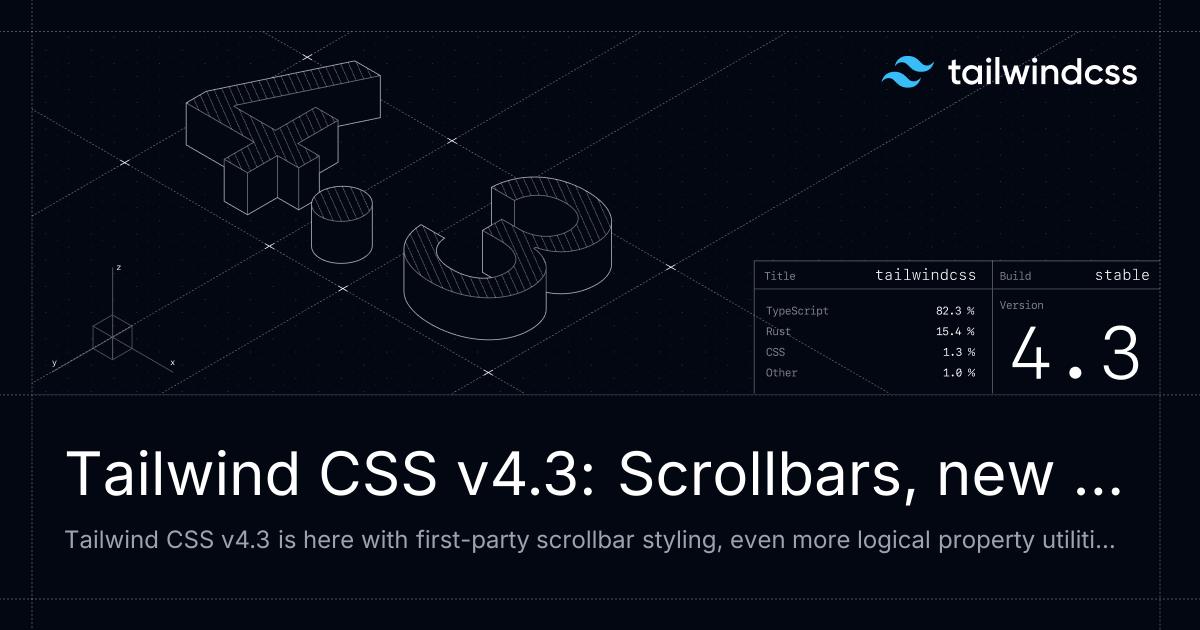
Tailwind CSS v4.3: Scrollbars, new colors, and more
I jumped the gun last week and shared this from the GitHub releases, but the Tailwind Labs team finally dropped the official blog post and it's actually a two-for-one, catching us up on v4.2 as well since they forgot to write about that one.
The v4.2 goodies include four new neutral-ish palettes (mauve, olive, mist, and taupe), a dedicated webpack plugin that's 2x faster than the PostCSS route, new logical property utilities for block-start/block-end spacing, sizing, and insets, plus a font-features-* escape hatch for OpenType features. In v4.3, you get first-party scrollbar utilities, a new @container-size for size-based container queries, zoom-* and tab-* utilities, stacked and compound @variant support in CSS, and default values for functional @utility definitions.
Plenty of examples in the post so worth a read even if you've already updated.
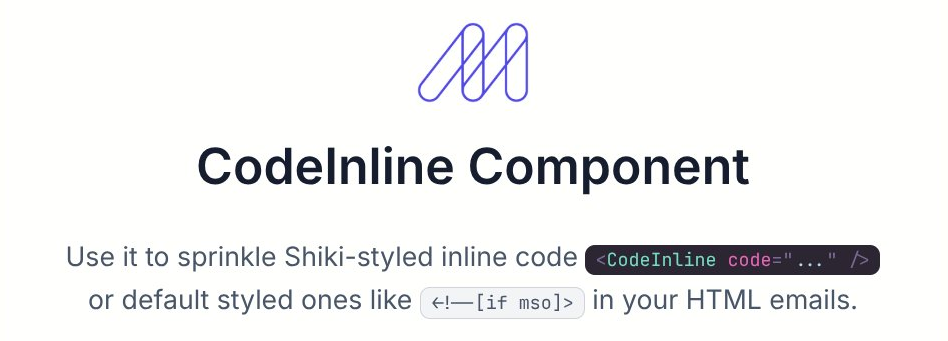
Inline code snippets in Maizzle emails now get Shiki highlighting
Cosmin Popovici shipped a nice update to Maizzle's inline code component — inline snippets in your emails now get Shiki syntax highlighting, just like the block-level ones. A small but handy improvement if you're sending dev-focused newsletters or technical content where inline code shows up a lot.
🤩 Windy Picks

Stop wrestling with markup and focus on what matters—your business logic. We transform your designs into pixel-perfect Tailwind CSS code.
Led by seasoned developers Vivian and Daniela, we specialize in converting your PSD, Figma, Adobe XD, and Sketch files into good, responsive, and maintainable Tailwind CSS markup.
Complete our quick 3-minute form and receive a tailored quote within 24 hours.
📚 Learning
Programming principles for self taught front-end developers
If you came into front-end without a CS degree, you've probably been hit with phrases like "premature optimisation is the root of all evil", YAGNI, or DRY without anyone actually telling you how to apply them while you're writing code. This article tackles exactly that gap, translating the vague "laws" into actionable habits like the rule of three (don't refactor until you've written the same thing three times), "make it work, make it right, make it fast", idempotency, the single responsibility principle, and keeping each function at one level of abstraction. Definitely worth a read if you want practical principles you can apply as you code, not just quote in code reviews.
Using safe-area-inset to build mobile-safe layouts
If you’ve ever shipped a mobile layout that looked perfect on desktop and in responsive mode, only to discover your floating button or bottom nav is sitting behind the home indicator on a real iPhone, this is the article that explains why. It breaks down what “safe areas” actually are, how the browser exposes them via env(safe-area-inset-*), and how to opt into true edge-to-edge layouts with viewport-fit=cover without letting important UI get hidden under notches, dynamic islands, or gesture bars. It also covers practical details people often miss (like adding your own spacing on top of the inset with calc(), when you do/don’t need fallbacks, and why these bugs are easy to miss in Chrome’s responsive view), plus a quick look at the newer safe-area-max-inset- and when a “stable” reserved zone is better than following the live viewport.
SVG Optimization and Accessibility Basics
SVGs are everywhere on the web now, but most of us still wing it when it comes to optimizing them and making them accessible. This article walks through both, starting with the recent SVGO v4 release (which finally stops stripping viewBox and <title> by default 🙌) and then digging into the accessibility patterns you actually need: when to use <title>, aria-label, aria-labelledby, role="img", role="presentation", and aria-hidden, with clear examples of what each does to the accessibility tree. There's also a great reminder to pair icons with visible text labels instead of relying on screen reader descriptions for abstract shapes. A solid reference to bookmark next time you're inlining SVG.
💅 Showcase

Raspberry Pi
Raspberry Pi is the official site for the iconic small, affordable computers and microcontrollers used by makers, businesses, and educators worldwide. The site is the hub for browsing their full lineup (from the new Compute Module 5 to the RP2350 microcontroller at just $0.80), reading the latest news from the Pi community, accessing documentation, and finding resources for both home and industrial use.
🎁 Resource
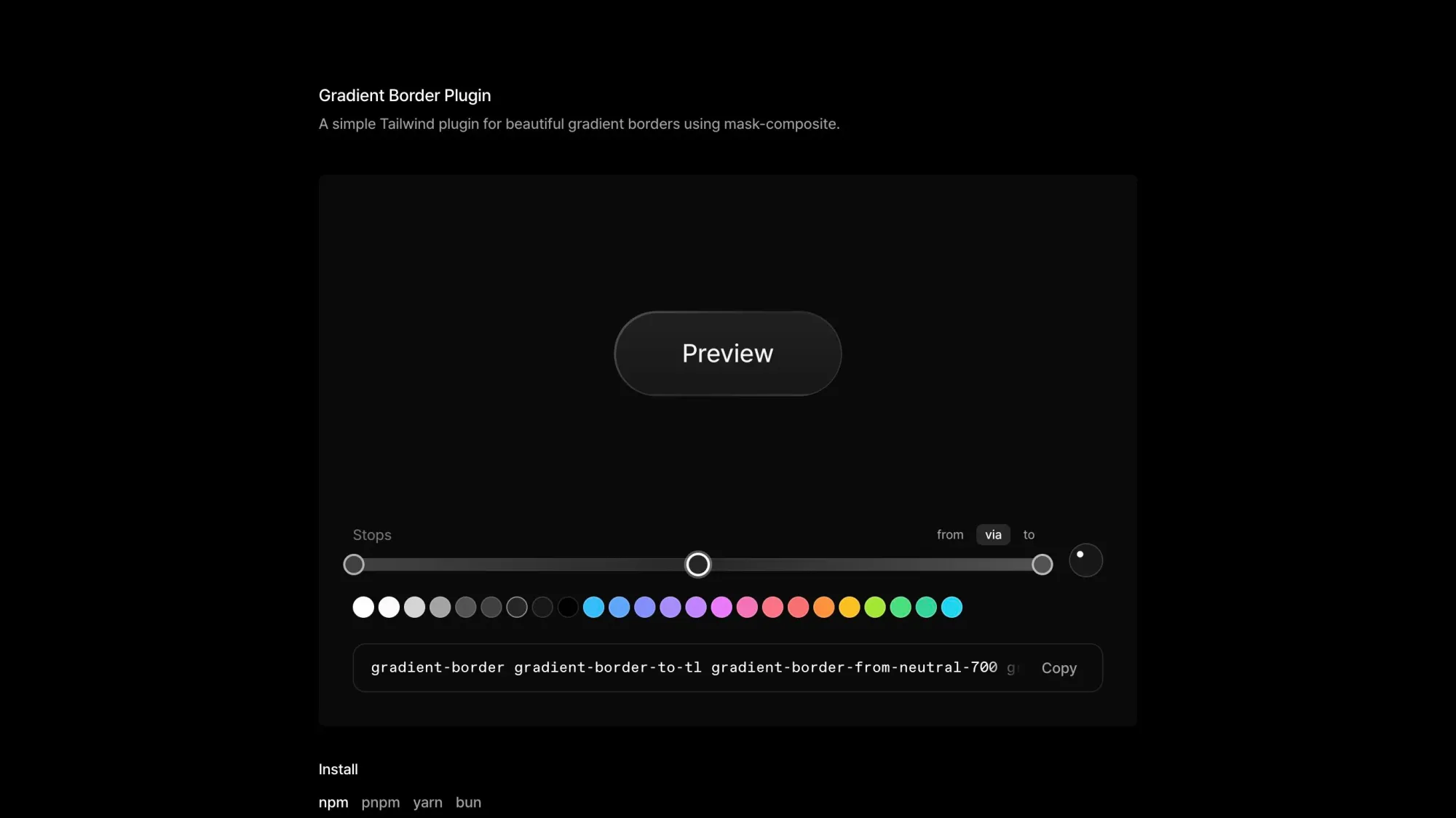
Gradient Border Plugin
If you've ever tried to add a gradient border in CSS you know it's not as straightforward as it should be. This tiny Tailwind plugin solves that with a gradient-border utility (plus width, direction, and color stop variants) that mirrors Tailwind's native gradient API. It uses mask-composite under the hood so the gradient flows around the entire perimeter and respects whatever border-radius you've got. You even get an animate-gradient-border variant for rotating AI/thinking states. Built for Tailwind v4, pure CSS, no JS.
👌 Cool Stuff
Windybase - Explore weekly curated free & premium Tailwind templates, components and tools to help you build modern websites and apps fast.
screenurl – Turn any URL into pixel-perfect screenshots via one REST API, with full-page capture, delays, and PNG/JPEG output.
Crashcat – A JavaScript 3D rigid body physics engine to simulate collisions, constraints, and motion in real-time.
Cap – A self-hosted, privacy-first CAPTCHA with no puzzles or telemetry, ~20kb widget, zero deps, and easy reCAPTCHA migration.
Do you want to share something with the Tailwind CSS community?
You can submit a link or message me on Twitter @vivgui.
Want to support the newsletter? You can buy me a coffee with this link 😁.

Discussion